


Customers check out themselves
Scan, tap the card, done.
On this page
Coffee and a snack in the break room
At the coffee station, your employees check out on their own. The terminal stands next to the machine, and payment is contactless at the card terminal.
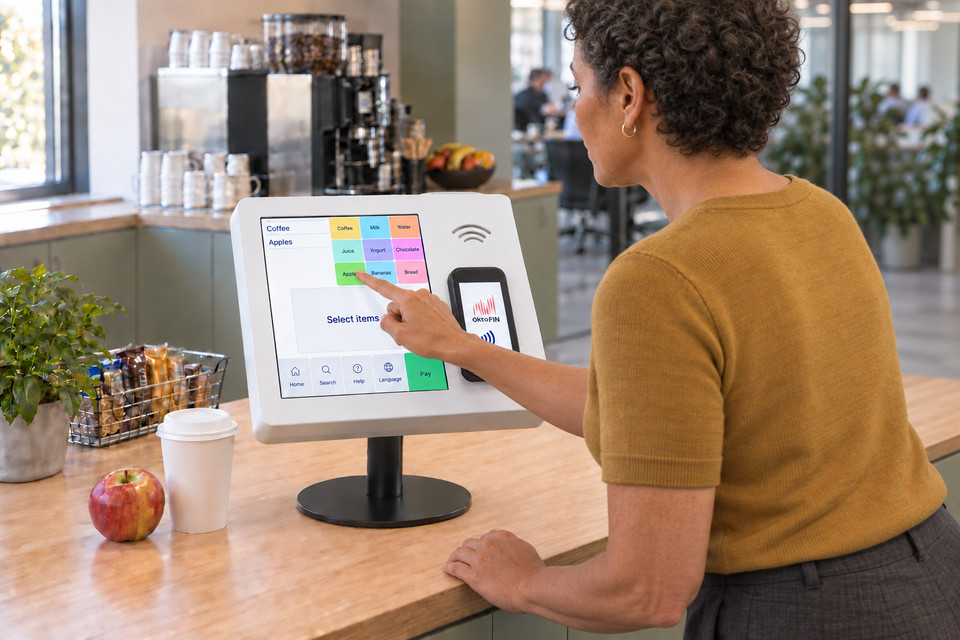
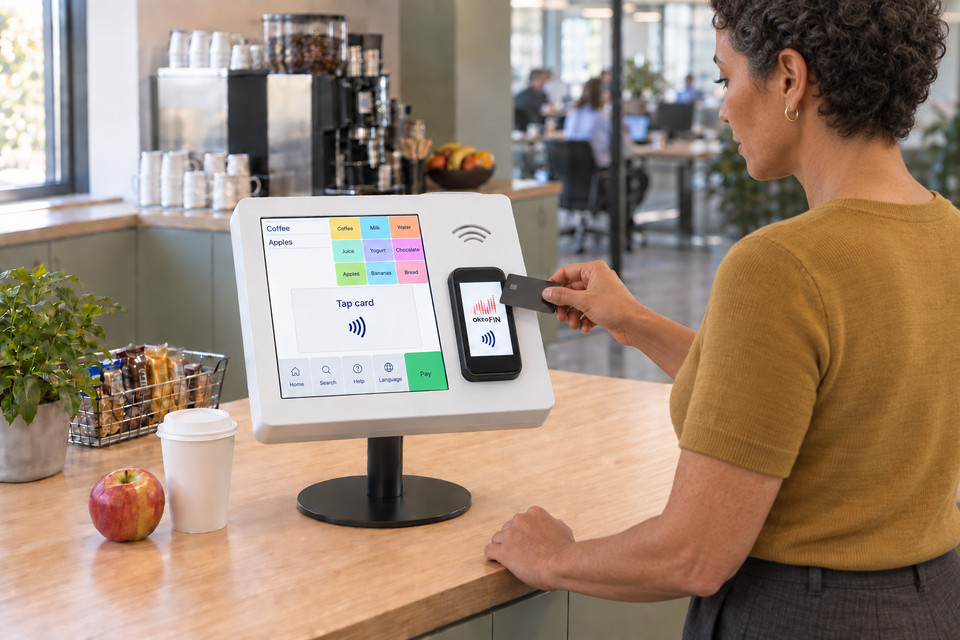
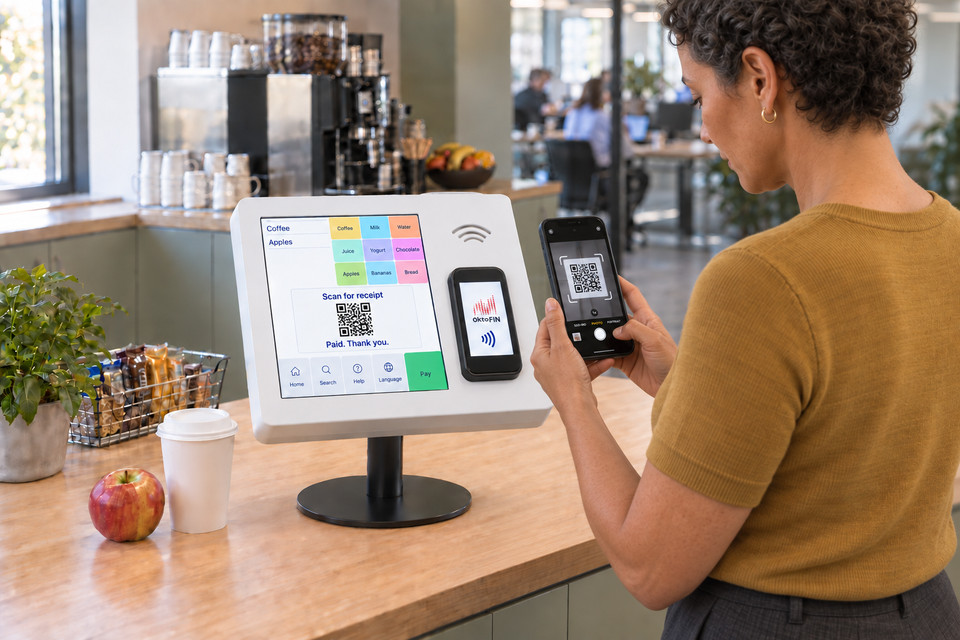
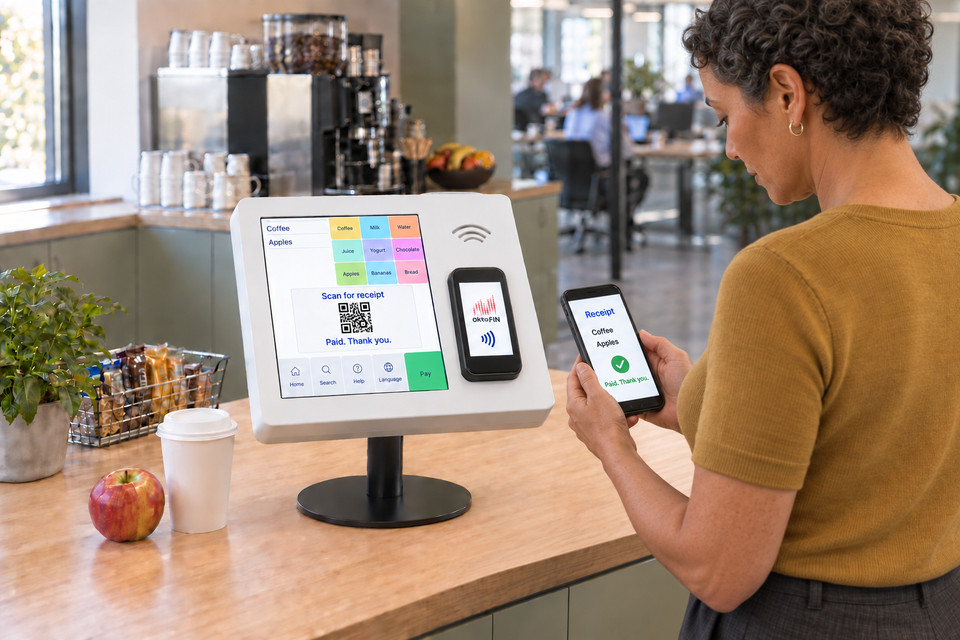
Snacks and drinks in the office, lunch in the cafeteria: staff register once on your website and receive a customer card. At the terminal they hold up the card, payment runs via prepaid balance or direct debit, and the invoice arrives as a PDF by email.
- Registration and top-up on your website
- Add funds at the register or at the terminal as well
- Pre-order for later, the order goes to the kitchen station
- Registered customers only or anonymous ones too, as you configure it
Self-service in the lobby
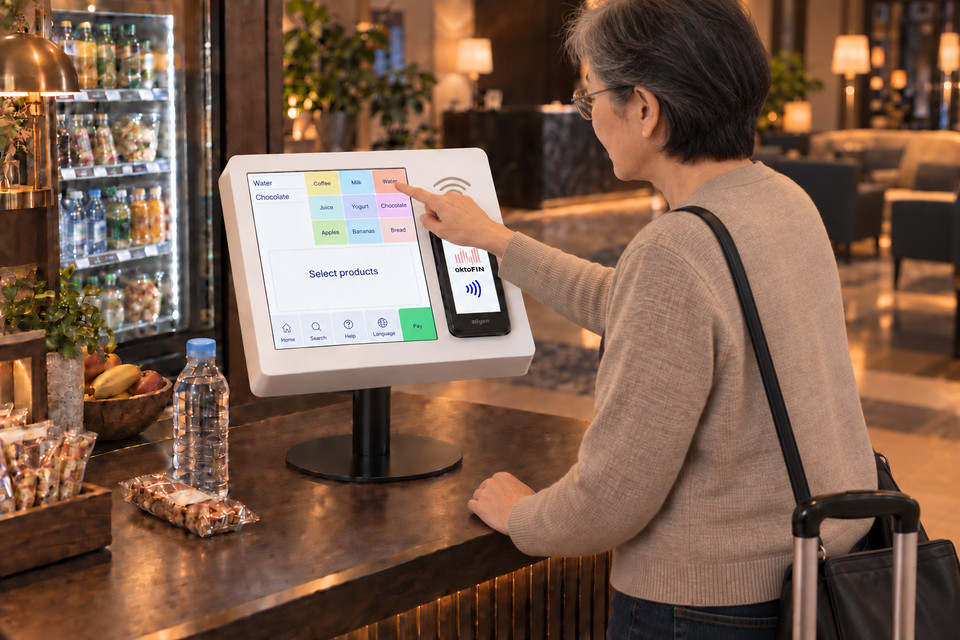
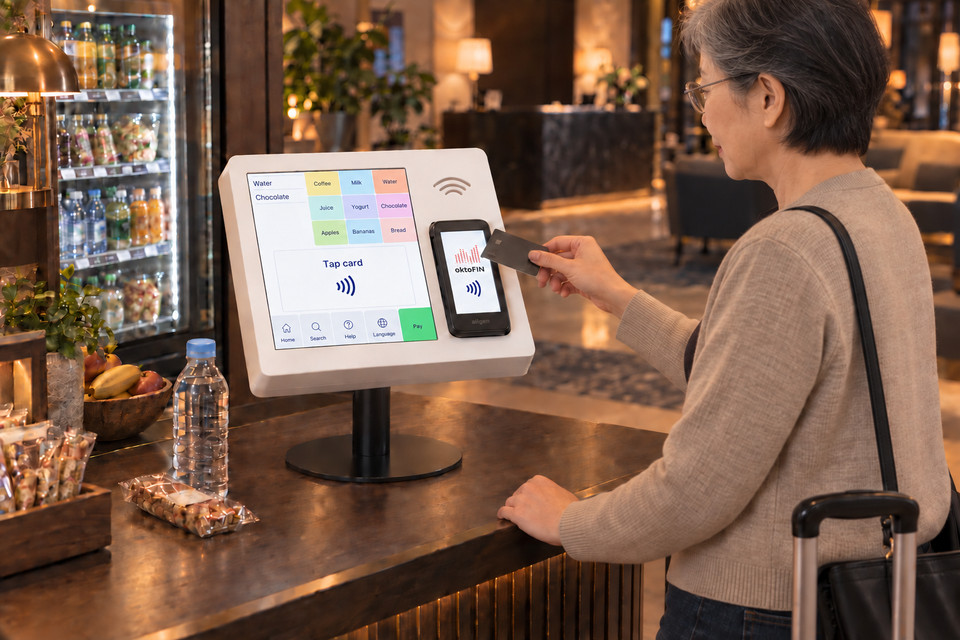
Guests take a drink and a snack and pay at the terminal. That keeps refreshments available around the clock.
- Individual articles go to the kitchen as an order and appear on the kitchen monitor
- Connected to the hotel PMS, guests charge the purchase to their room


Shorter lines at the checkout
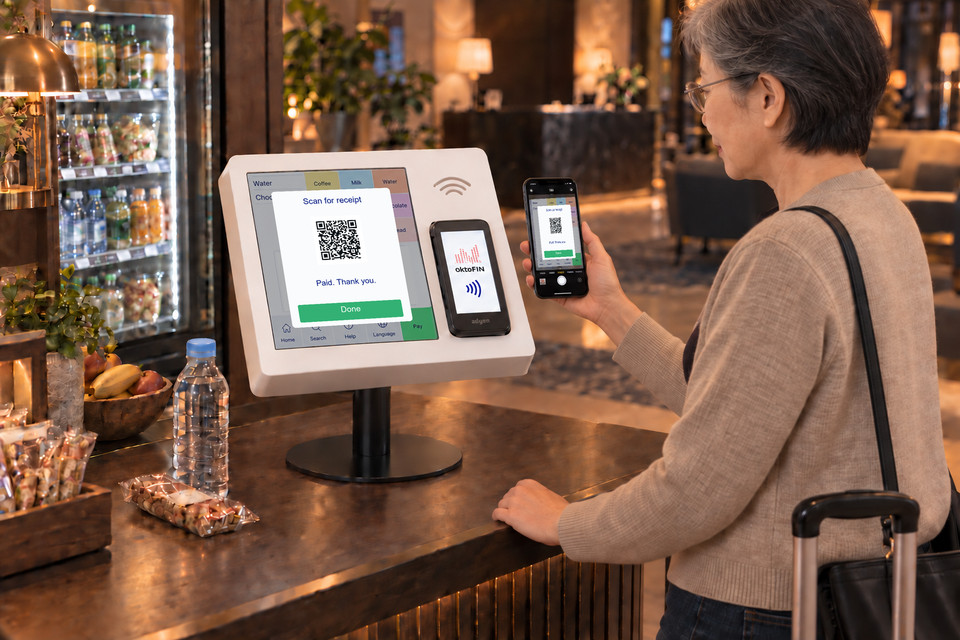
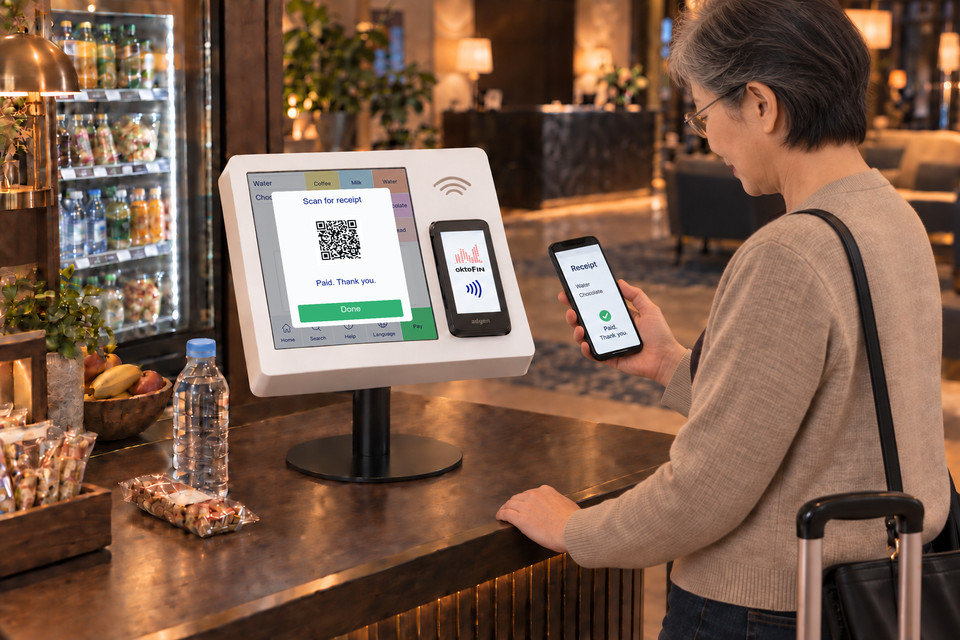
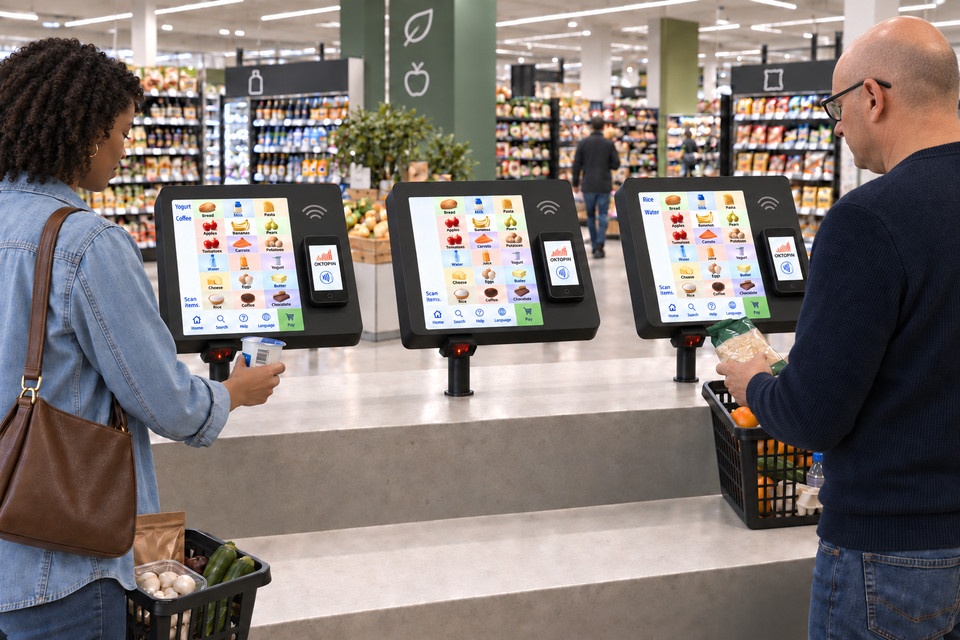
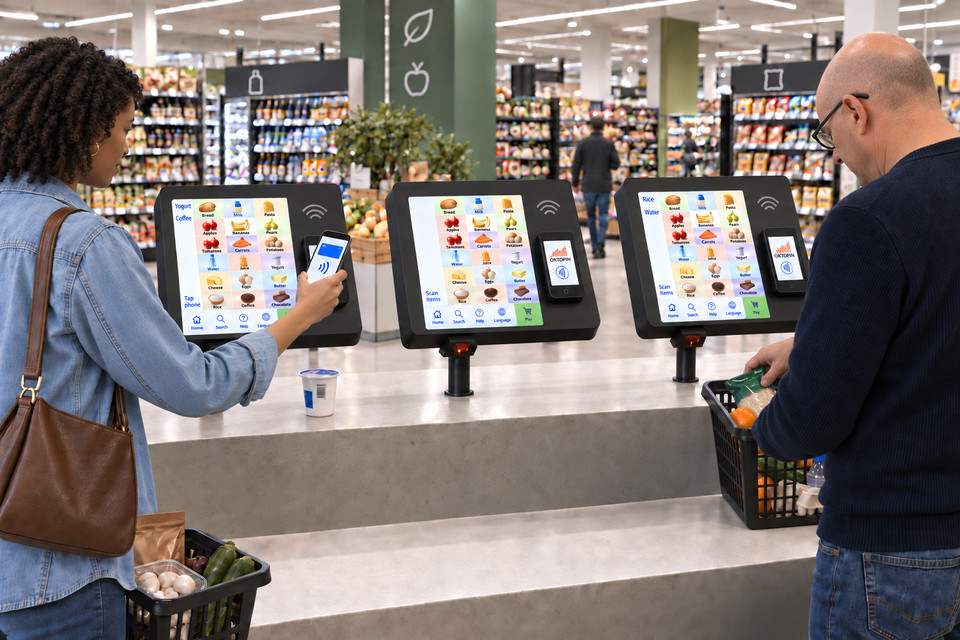
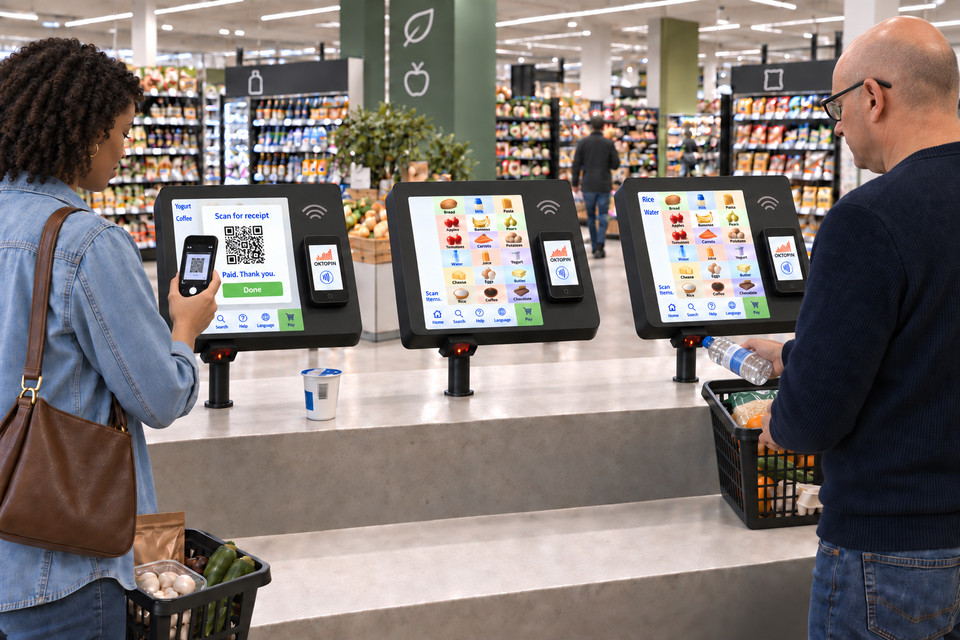
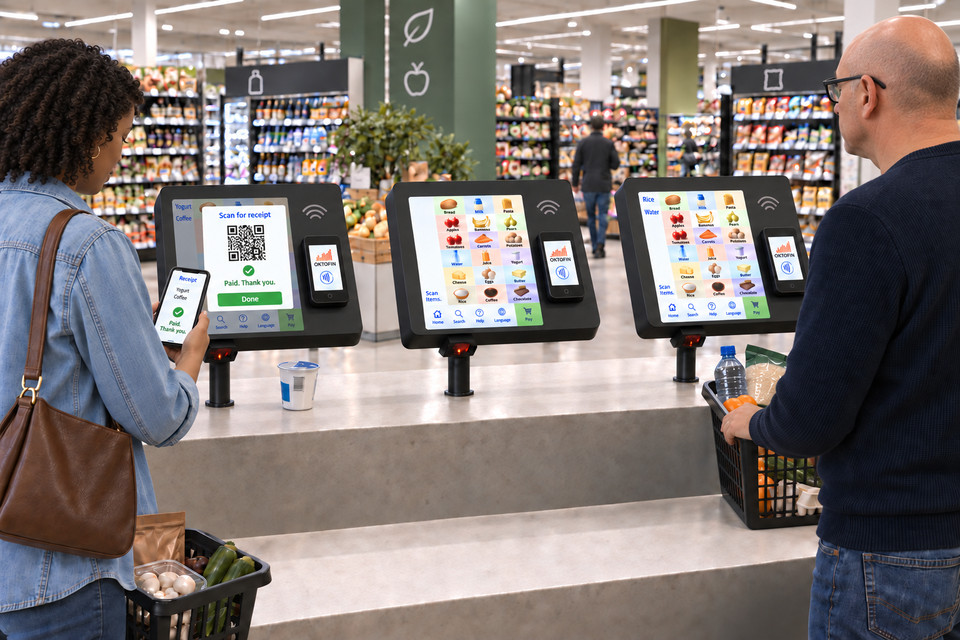
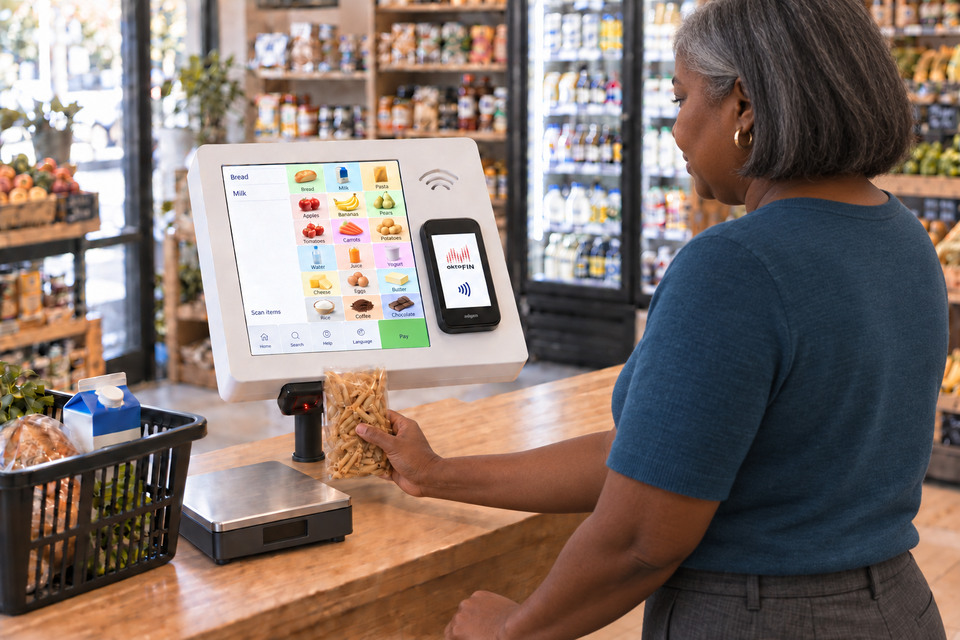
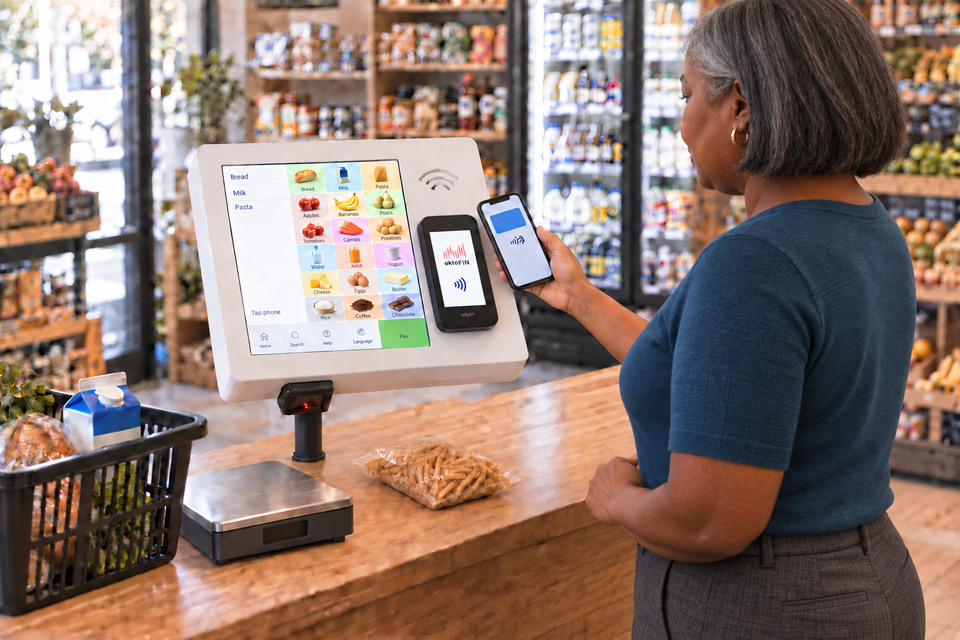
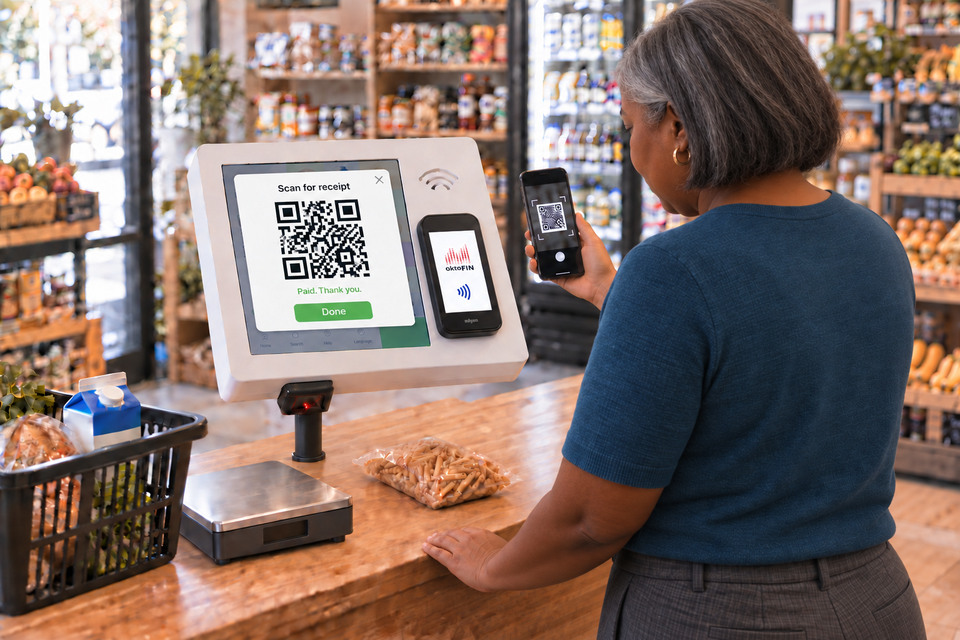
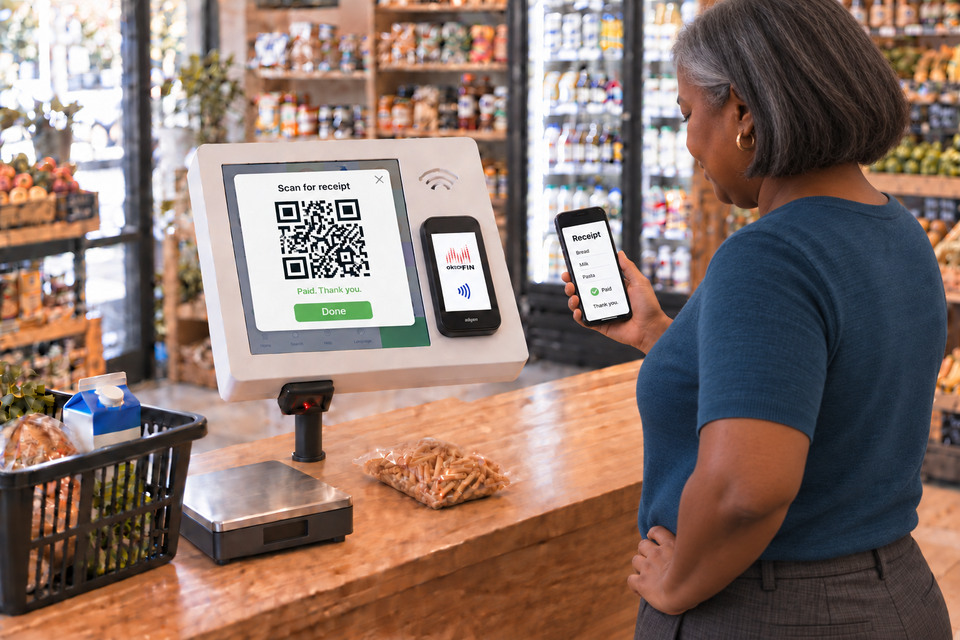
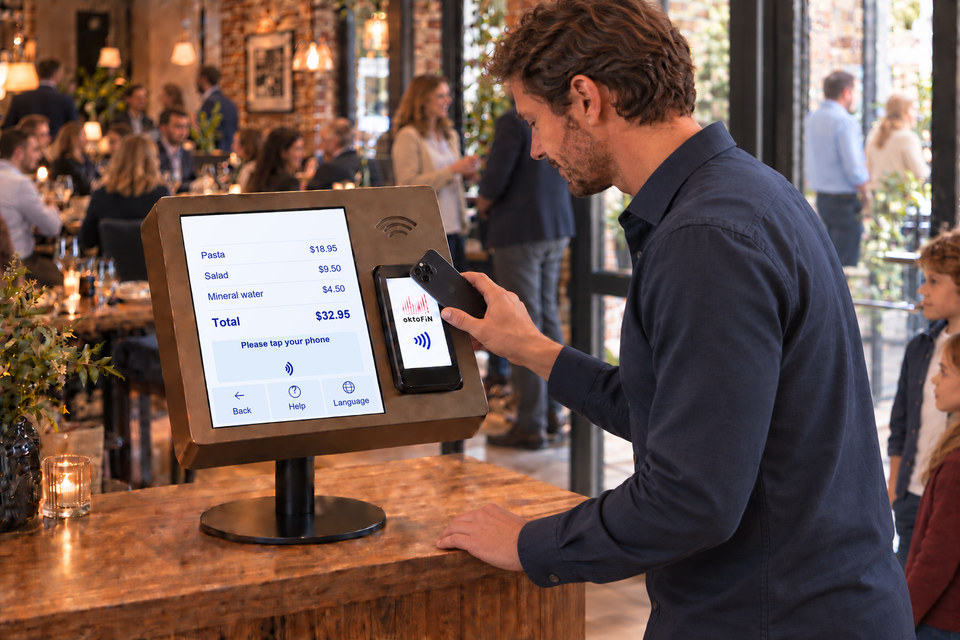
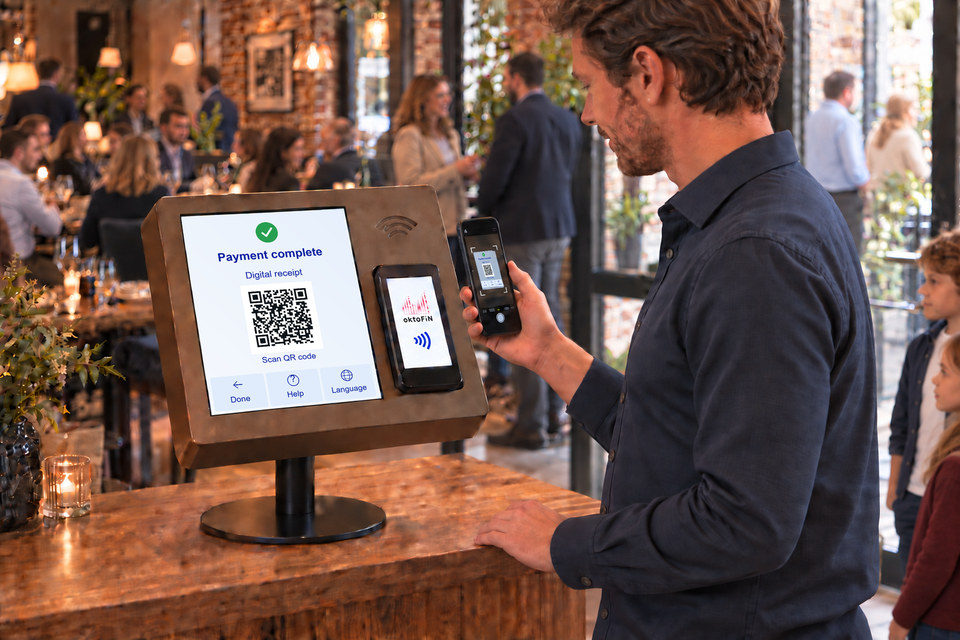
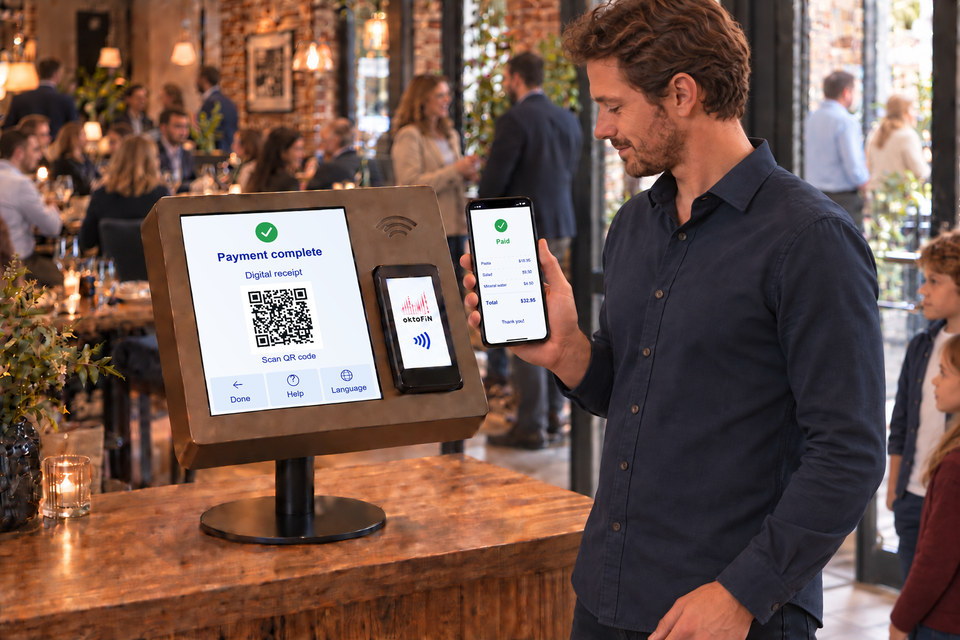
Every customer scans their own items and pays contactless, by smartphone too. They scan a QR code to get the receipt on their phone.
Open even when nobody is there
Customers hold their articles up to the scanner or tap them on the screen, place fruit and vegetables on the scale and pay at the card terminal. No sign-in, no staff at the checkout. If you give your customers a customer card, they can pay from a prepaid balance or by direct debit.
- Articles by barcode or article button
- Credit card, debit card, Apple Pay and Google Wallet at the payment terminal
- Customer card with prepaid balance or direct debit, if you offer it
- Receipt as a printout or QR code
- Scale for fruit and vegetables
Paying on the way out
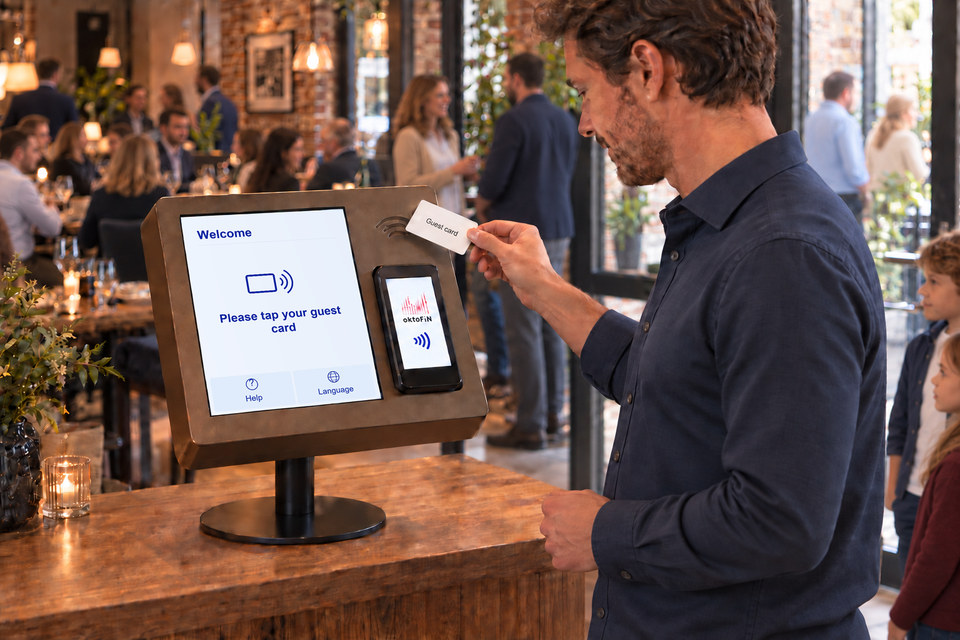
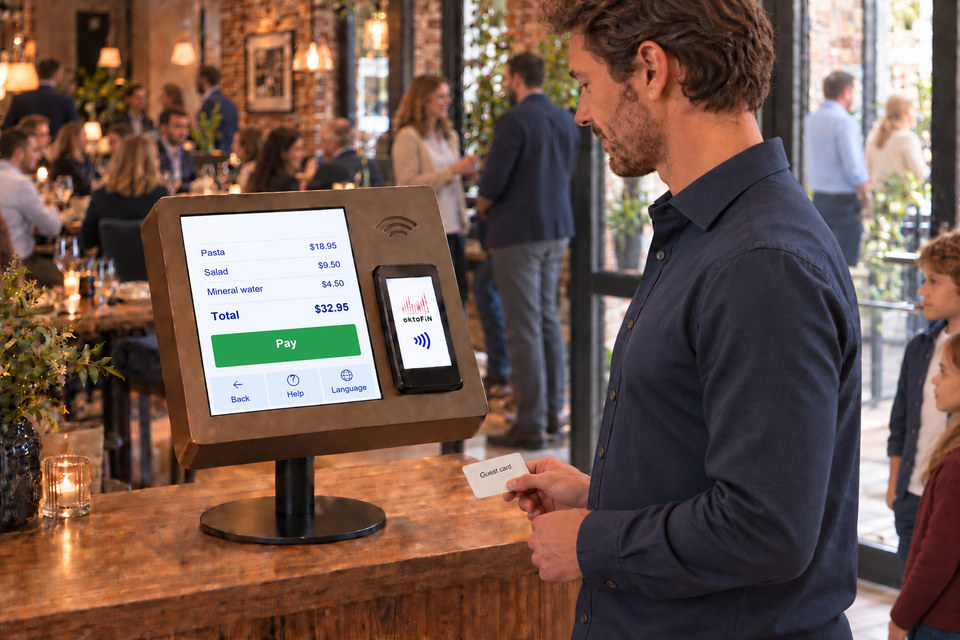
All orders are stored on the guest’s chip card. On leaving the restaurant they hold the chip card up to the terminal, the bill appears and they pay cashless.
Orders are added to the chip card via the OrderTab, the e-menu, an ordering terminal at the counter or the guest’s own phone.
Self check-in with the card
Members and participants hold their card to the reader and are checked in. On the same screen they choose their meal.
- Who is there and which meal was chosen shows up in the report straight away
- A 10-inch device on a flat stand and a card reader are all it takes

The member holds their card to the reader at the entrance. The screen shows that they are checked in and offers the meal: vegetarian, dish of the day or no meal.

In your color
The terminal housing is available in the color of your choice. The six colors in the picture are examples.

- Supermarket
- Convenience corner in the hotel lobby
- Snacks and drinks in the office
- Cafeteria with pre-ordering
- Restaurant, payment at the exit
- Stores with access outside business hours (OktoOpen)
- Articles via barcode scanner
- Article buttons on the touchscreen
- Article information on screen
- Scale connected
- Card payment terminal connected
- Customer card with prepaid balance or direct debit
- Registered and anonymous customers
- Receipt as a printout, QR code or PDF by email
- Orders to the kitchen station
- Articles, prices and stock from OktoPOS Manager
- Receipts and sales in OktoPOS Manager, just like any register
- Software:

- Modules:
- SW-SC and SW-CUS
- Data Connection:
- LAN, Wi-Fi or cellular network
The terminal posts directly to OktoPOS Manager over the internet. If the internet fails, it stores the receipts and sends them on later.
Access with the customer card
Access with the membership card
Software: SW-OO
Registered customers open the store door themselves. They hold their customer card or the QR code up to the reader at the door. OktoOpen checks the authorization and opens. Inside, the customer checks out at the self-checkout terminal.
Members open the studio door themselves. They hold their card or the QR code to the reader at the door. OktoOpen checks the authorization and opens.
- Registration via your website
- RFID customer card or QR code on the phone
- RFID membership card or QR code on the phone
- Check against the locally stored customer database
- Check against the locally stored member database
- Opening pulse to the entrance door


Also included