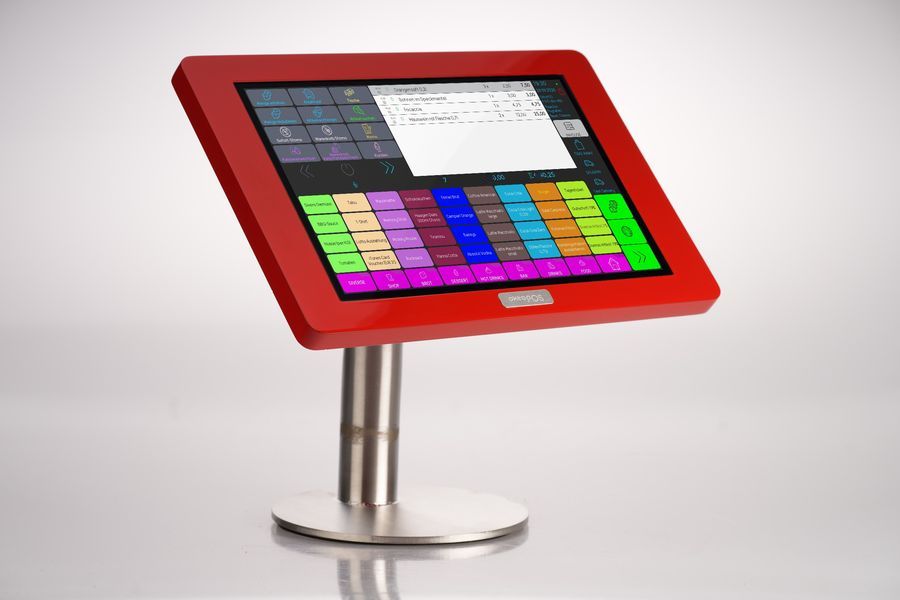
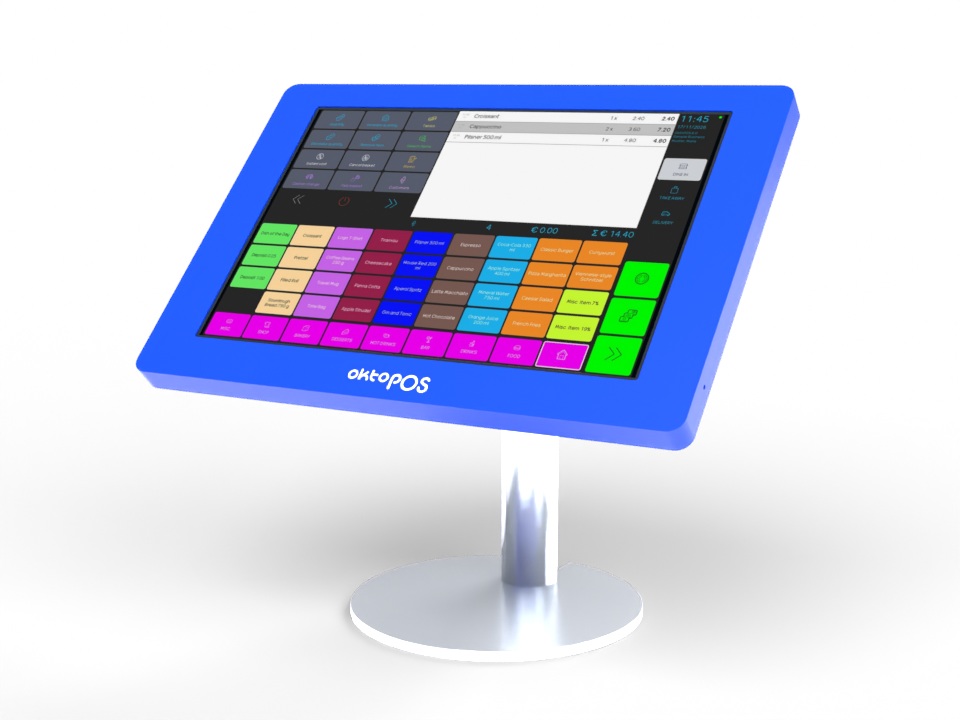
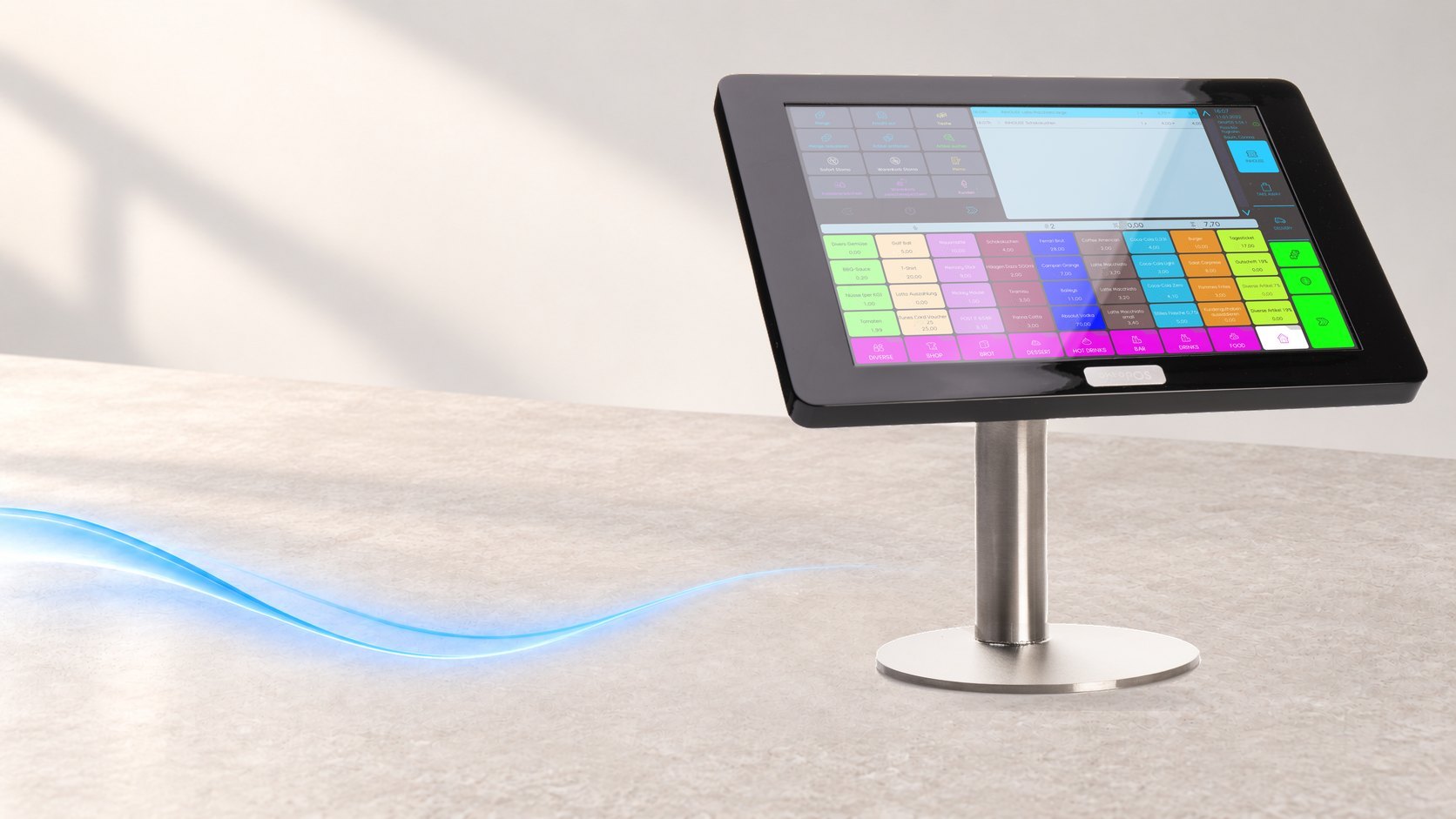
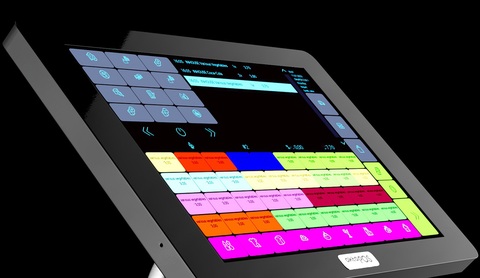
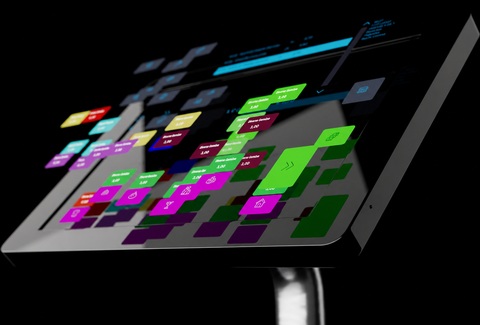
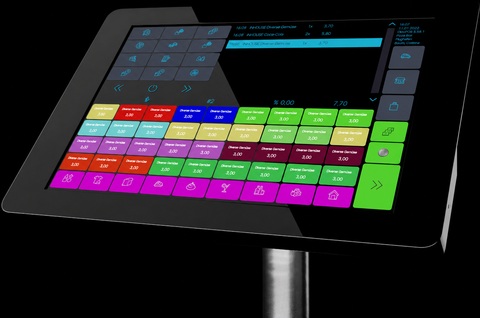
focusedUX® The checkout interface follows the focusedUX® model developed by OktoPOS.
Years of Optimization The interface has been refined over the years from observation and feedback from users at the register.
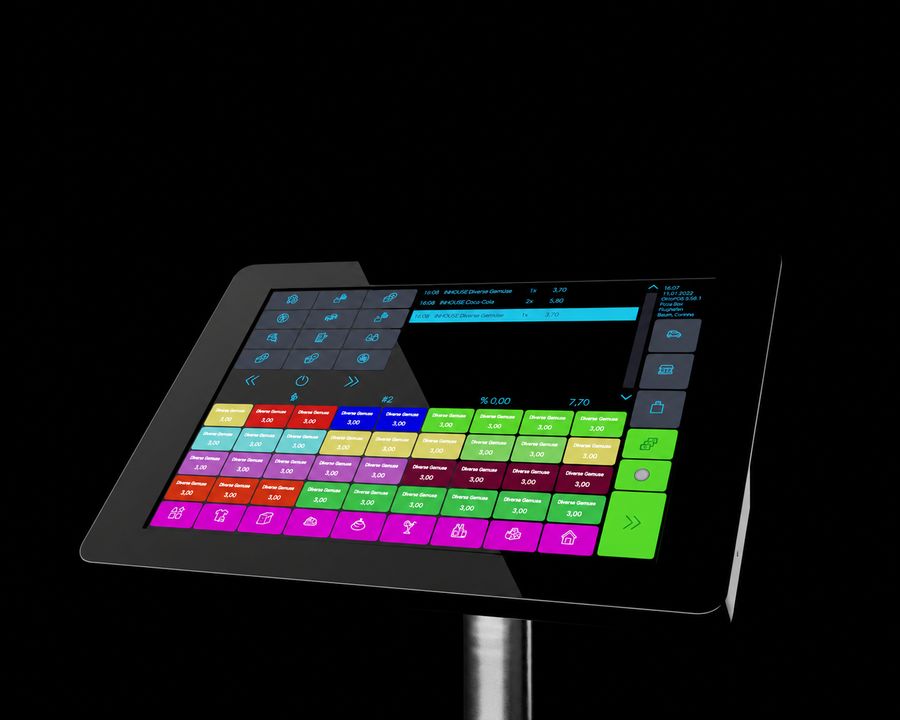
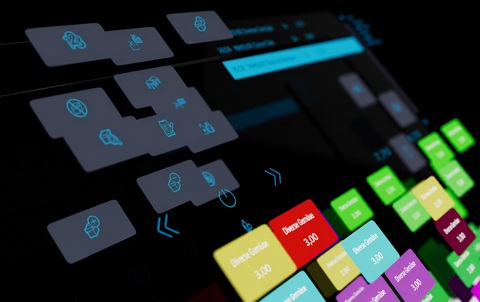
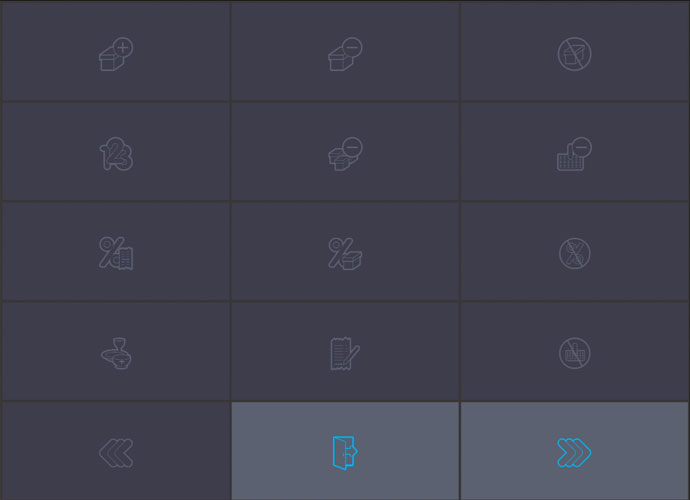
Icon-Based Navigation The navigation of OktoPOS Cash is supported by more than 200 individually designed icons. The symbols and short animations help users who are not proficient in the local language.
Focused Dialogs The dialogs in OktoPOS Cash are streamlined and uncluttered, ensuring a clear and intuitive user experience. Where necessary, dialogs are divided into multiple windows to prevent information overload and enhance usability.
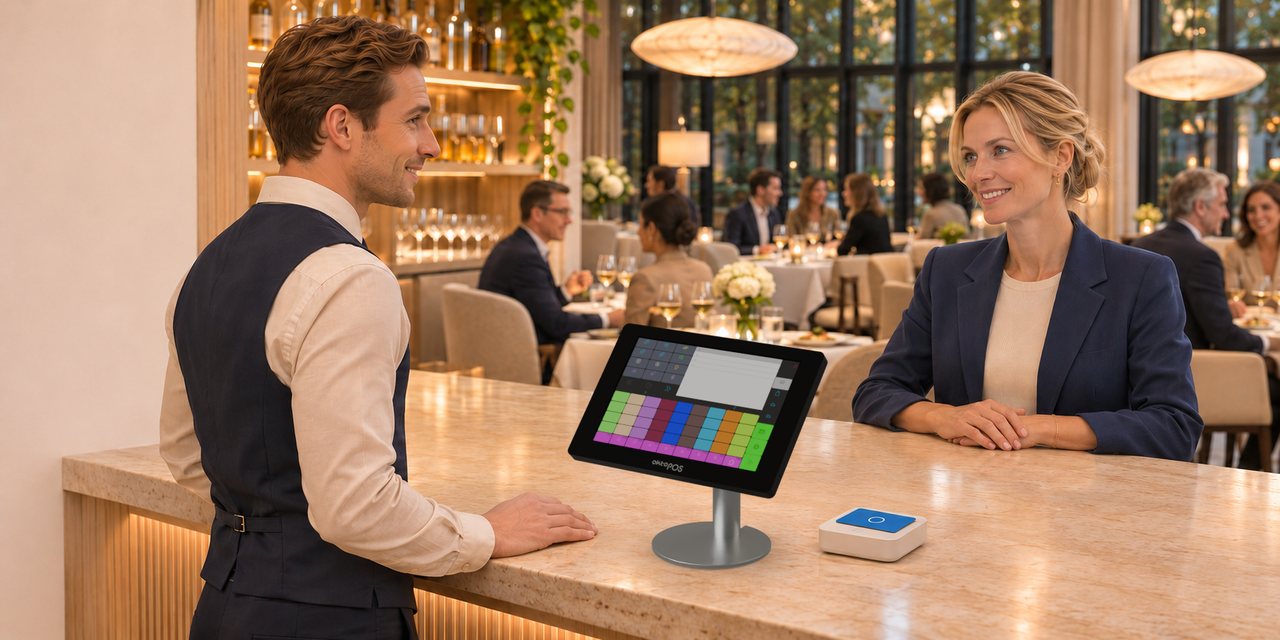
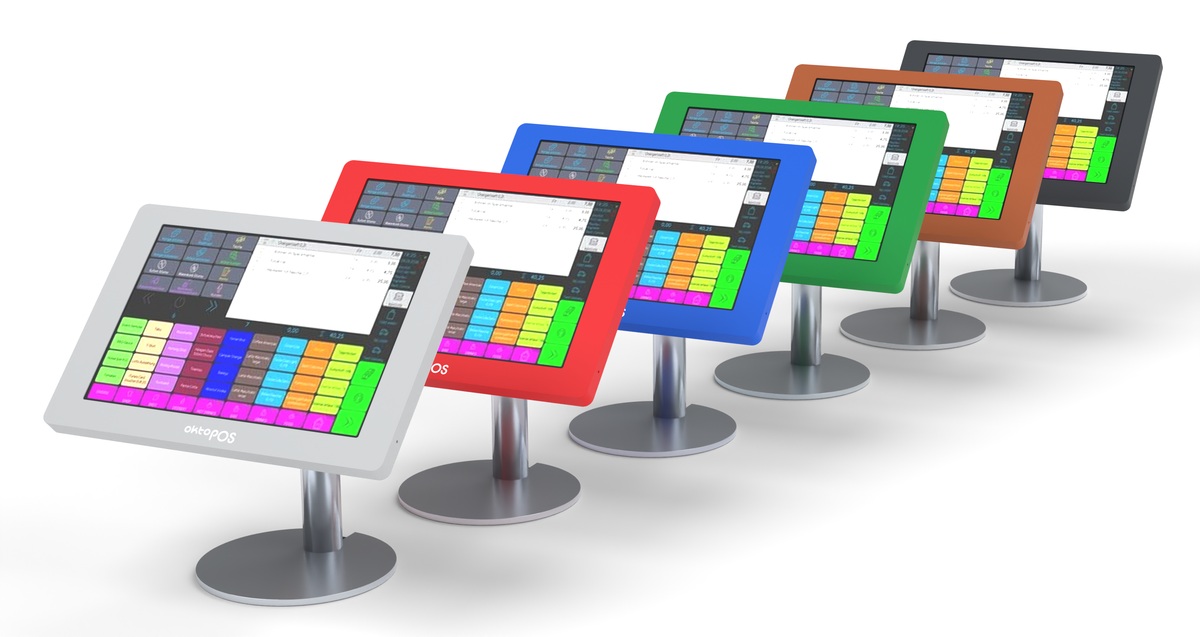
Navigation Support The system is equipped with numerous color codes and icons to support navigation. For example, function buttons that have been activated are marked with a glowing dot.
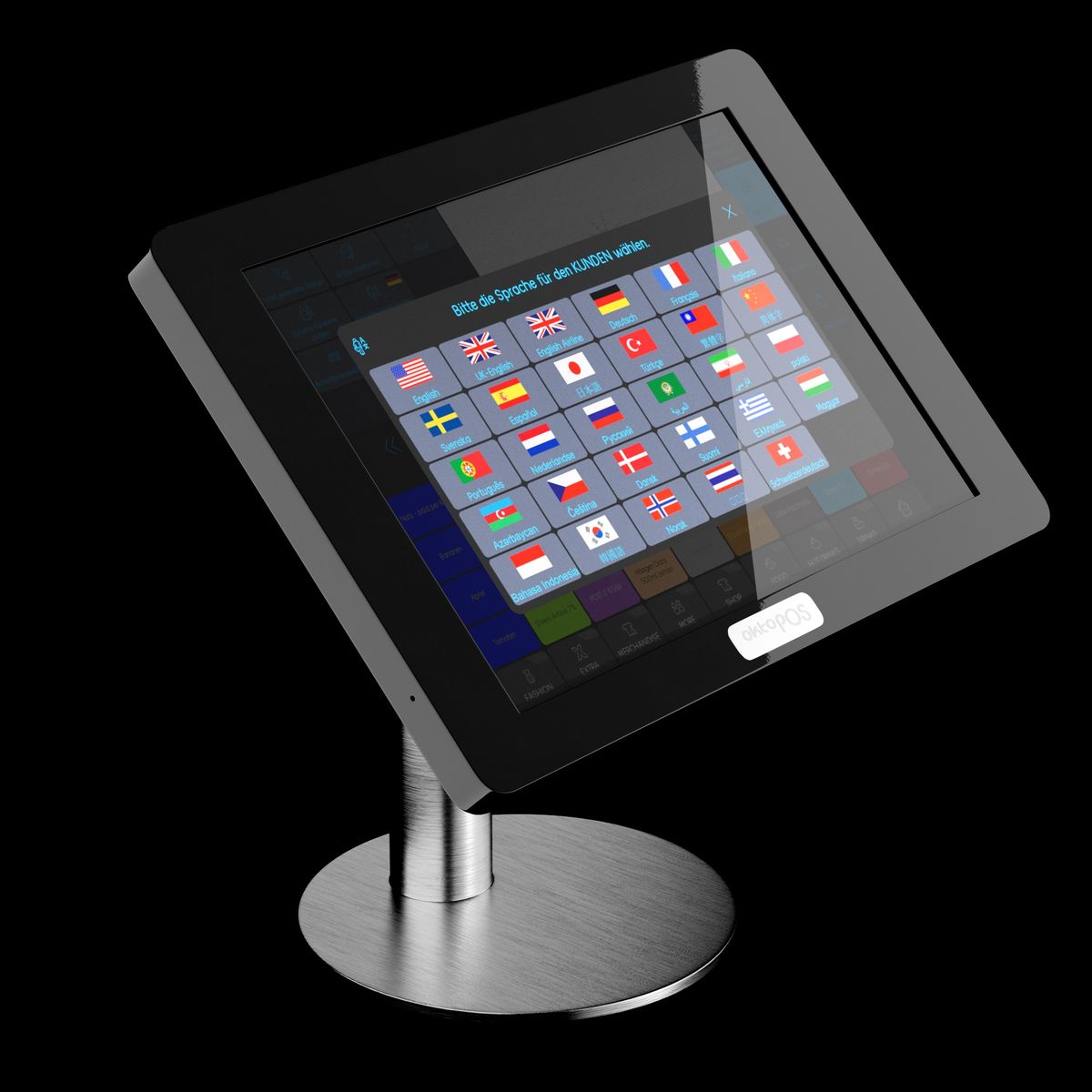
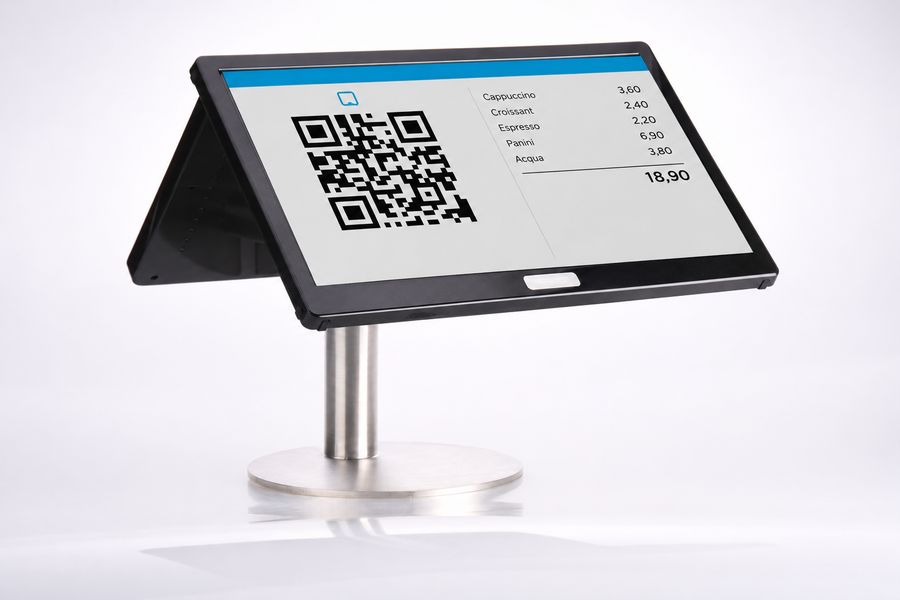
Languages Every cashier can select their own language. This does not affect the language on printouts and on the customer display.
Context Buttons The user interface of OktoPOS Cash only shows buttons that are relevant for the current operation. Irrelevant buttons are hidden.
Help Texts Holding your finger on any button displays a short text explaining its function.
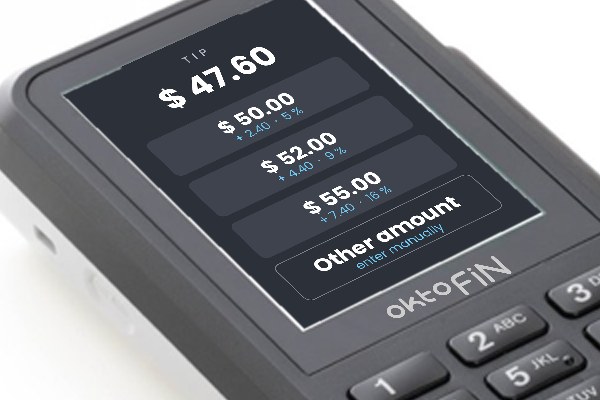
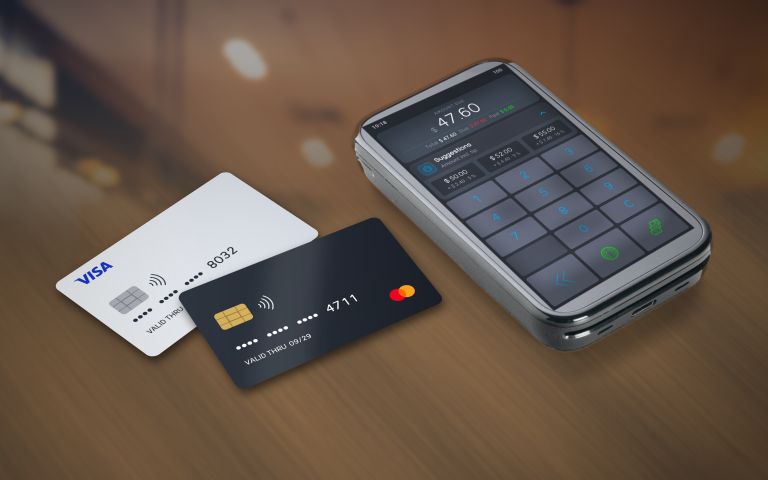
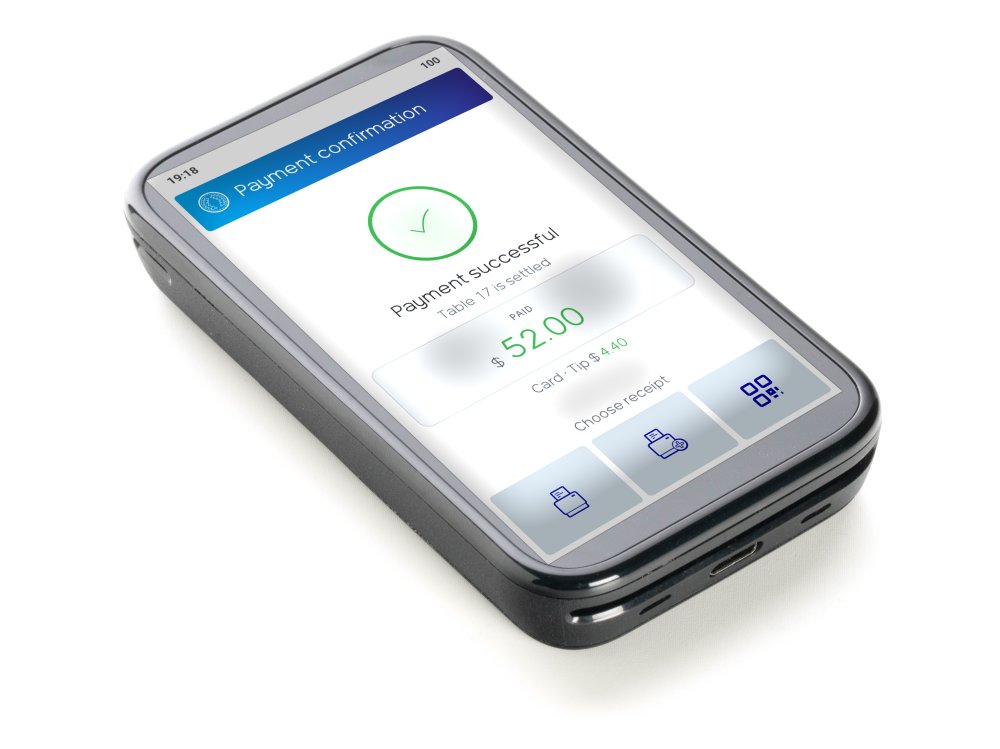
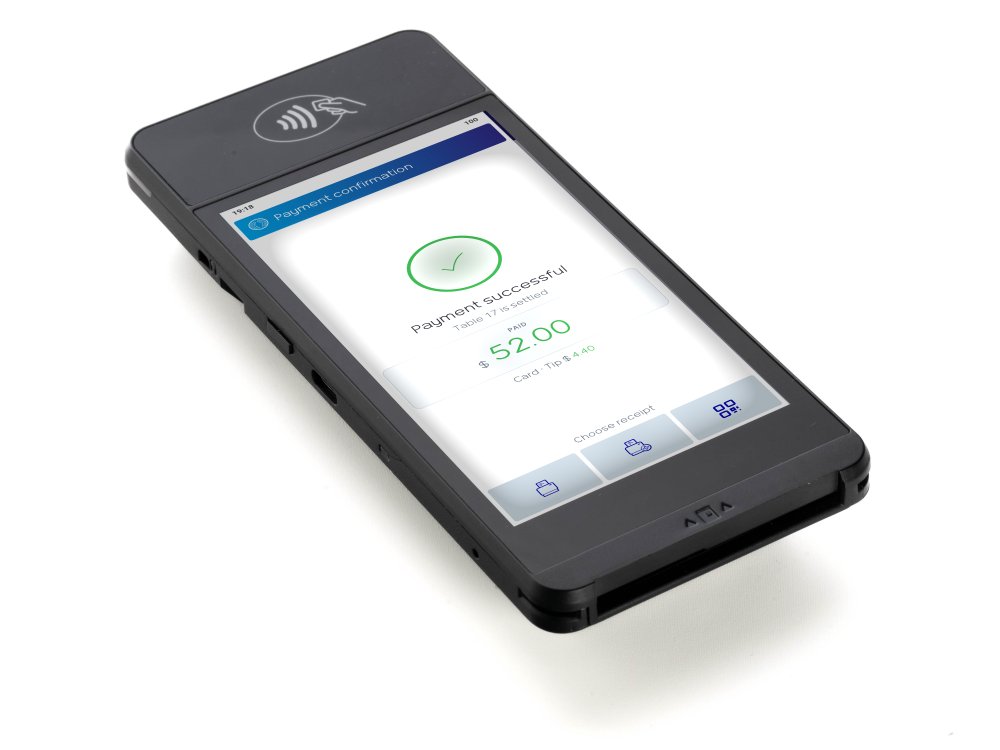
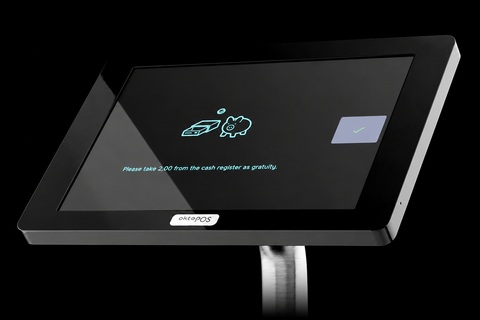
Tip The cash register shows the cashier the tip amount.
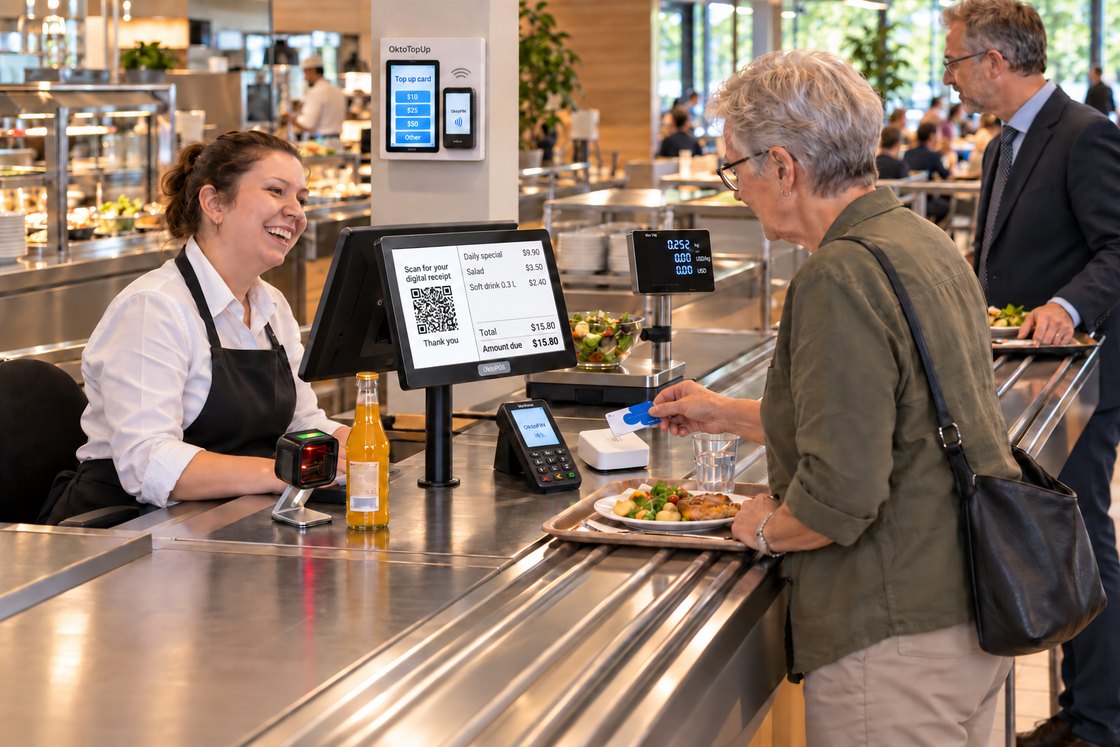
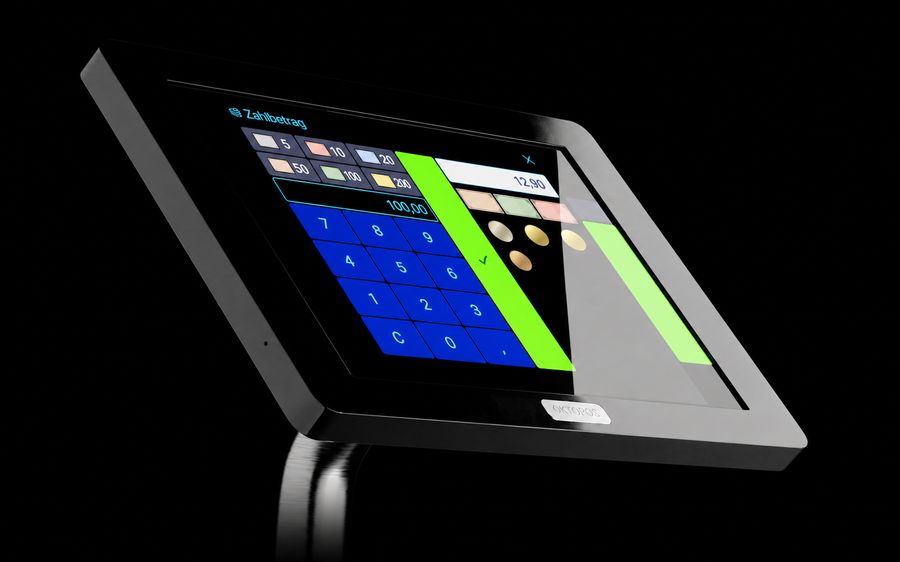
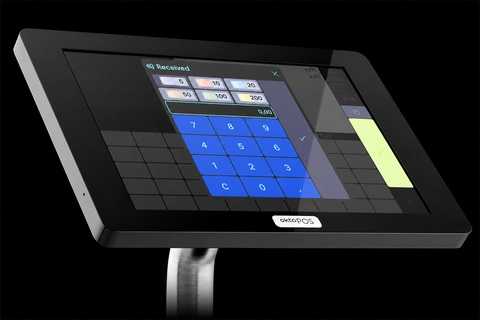
Change The amount due and the change are shown in large type on the screen.









 POS system