


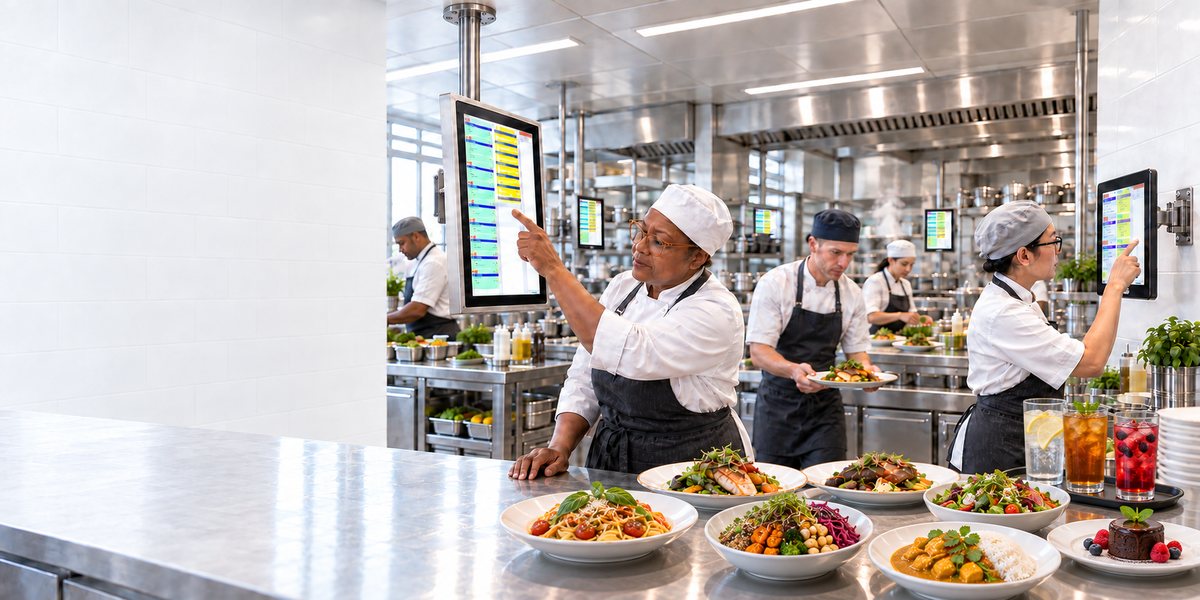
Kitchen station and kitchen monitors
Kitchen Station - OktoKitchen
For a Better Organisation and Efficiency in the Kitchen.
Software: SW-KM
The OktoKitchen terminals optimise kitchen processes and significantly increase efficiency. Orders via cash register, OrderTab, E-Menu, customer app, and Self-Order Terminal are sent directly and without delay to the kitchen stations.

Kitchen station in daily operation, Burgerlich restaurant.
The devices
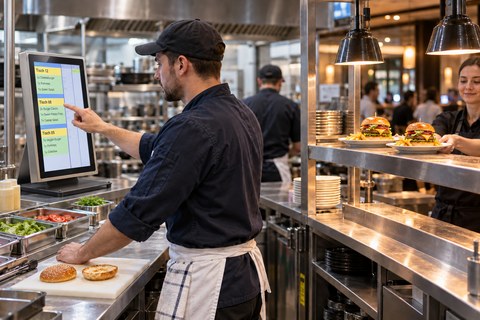
The large 21.5-inch station shows several tables at once. It stands on a solid base and is framed in stainless steel. Its place is the section where most orders come together.
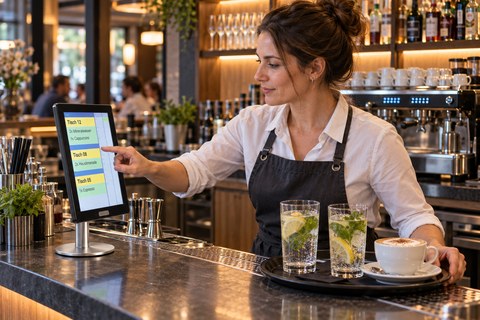
The small 13-inch station needs little space. The slim round base fits at the salad section, at the bar and at the pass. It is operated just like the large one.
Features
Depending on the specific processes of your restaurant, various production procedures can be configured. This allows for efficient processing of orders by tables and various courses. Staff fire the next course from the cash register or the OrderTab.
The terminals enable the display of cooking instructions and product images, which visually support the kitchen staff. Depending on organisational requirements, a pass terminal can also be used to further optimise communication and efficiency. The traditional calling out of orders, loud commotion, and forgotten orders are thus effectively avoided.
If you still prefer a classic solution and want to use only a kitchen printer, this is of course also possible.

- Individually definable stations
- Articles can be assigned to stations (bar, hot, cold, etc.)
- Selection of one or several stations on one terminal at the same time
- Synchronization of the production steps among the stations
- Sending orders to the station(s) in charge
- Optional table grouping
- Optional course management
- Time control
- Cooking instructions / recipes / photos
- Deactivation of out-of-stock articles for electronic menus
- Optional receipt printer
- Optional dispatcher station
- Setting of profiles for electronic menu cards and self-order terminals (breakfast, lunch, dinner, etc.)

- Software:


- Hardware:
- Touchscreen Terminals.
- Broad choice of models. From a slim Microsoft Surface tablet computer to IP65 protected terminals.
- Optional connection of a printer for waiters' order printouts.
- Of course, a simple receipt printer can also be used instead of a terminal.
- Data Connection:
- Ethernet to the local server
Kitchen Printer
Print Orders
Software: SW-KP
The incoming orders are printed with the kitchen printer. Multiple printers can be connected and positioned at different stations.

Pick-up monitor - OktoWaitList
Waiting list on the screen
Software: SW-WL
The pick-up monitor shows which orders are in progress and which are ready.
One order, one continuous process: from the self-order terminal through the kitchen to pickup.