OrderTab
Less walking, faster service, better advice
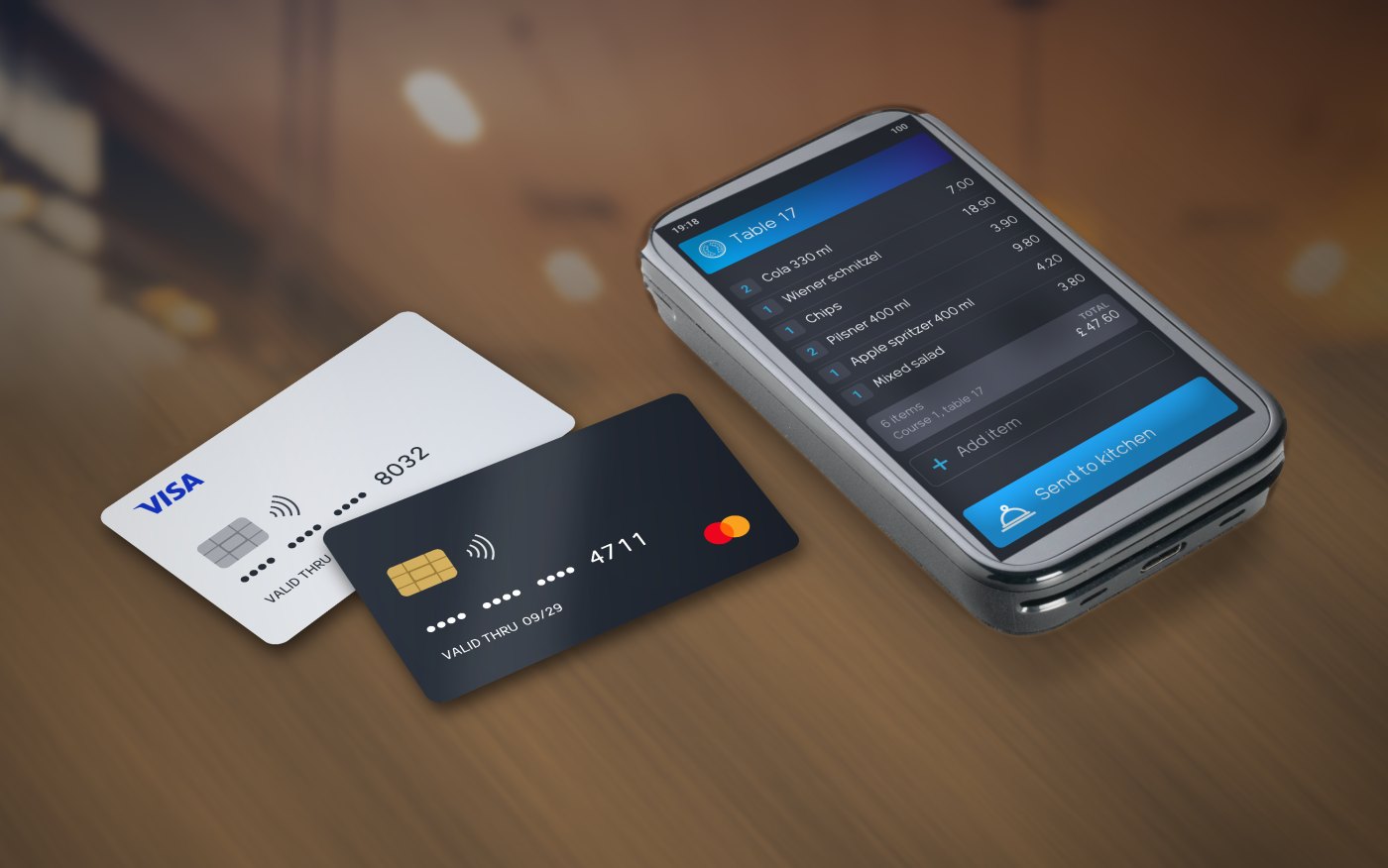
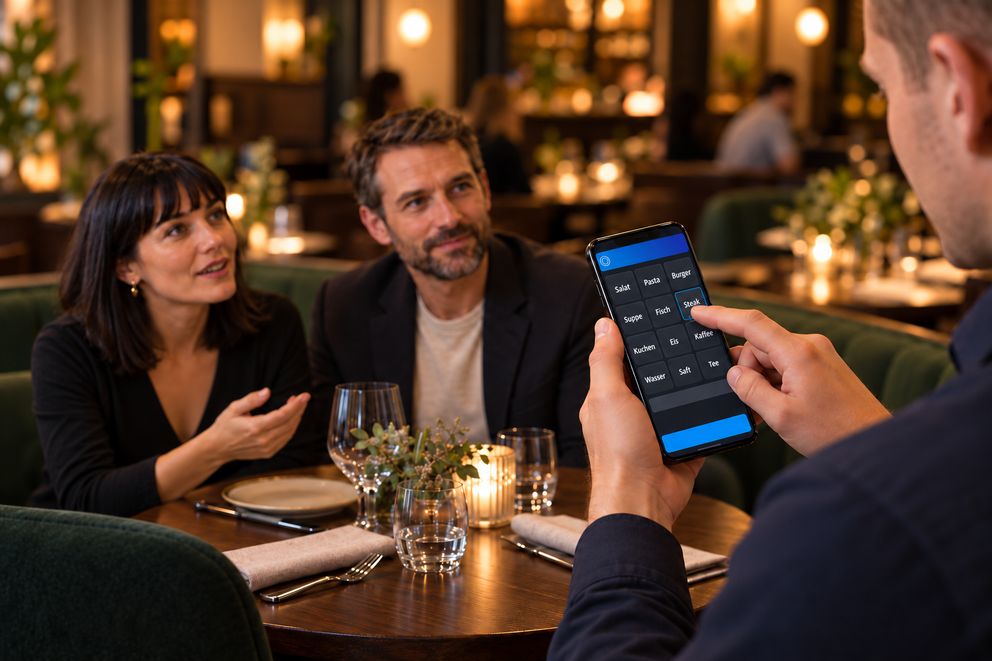
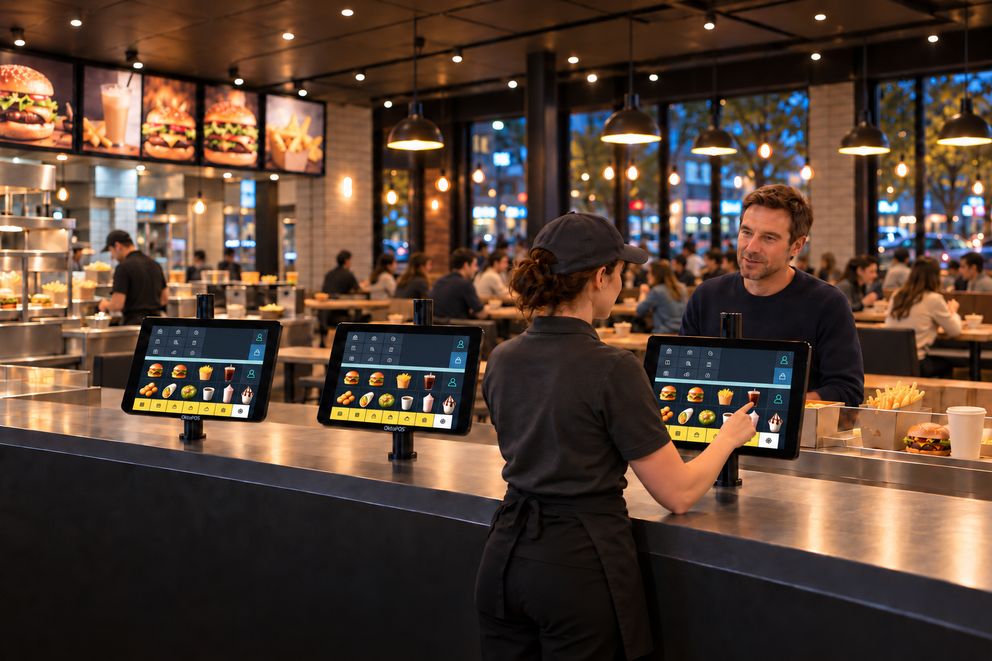
The OrderTab takes the order at the table and sends it straight to the kitchen and the till. With OktoFIN, guests pay right there and get the receipt on their smartphone.
Modern Ordering Systems for Guests
Modern Ordering Systems for Guests and Customers
Modern Ordering Systems for Your Customers
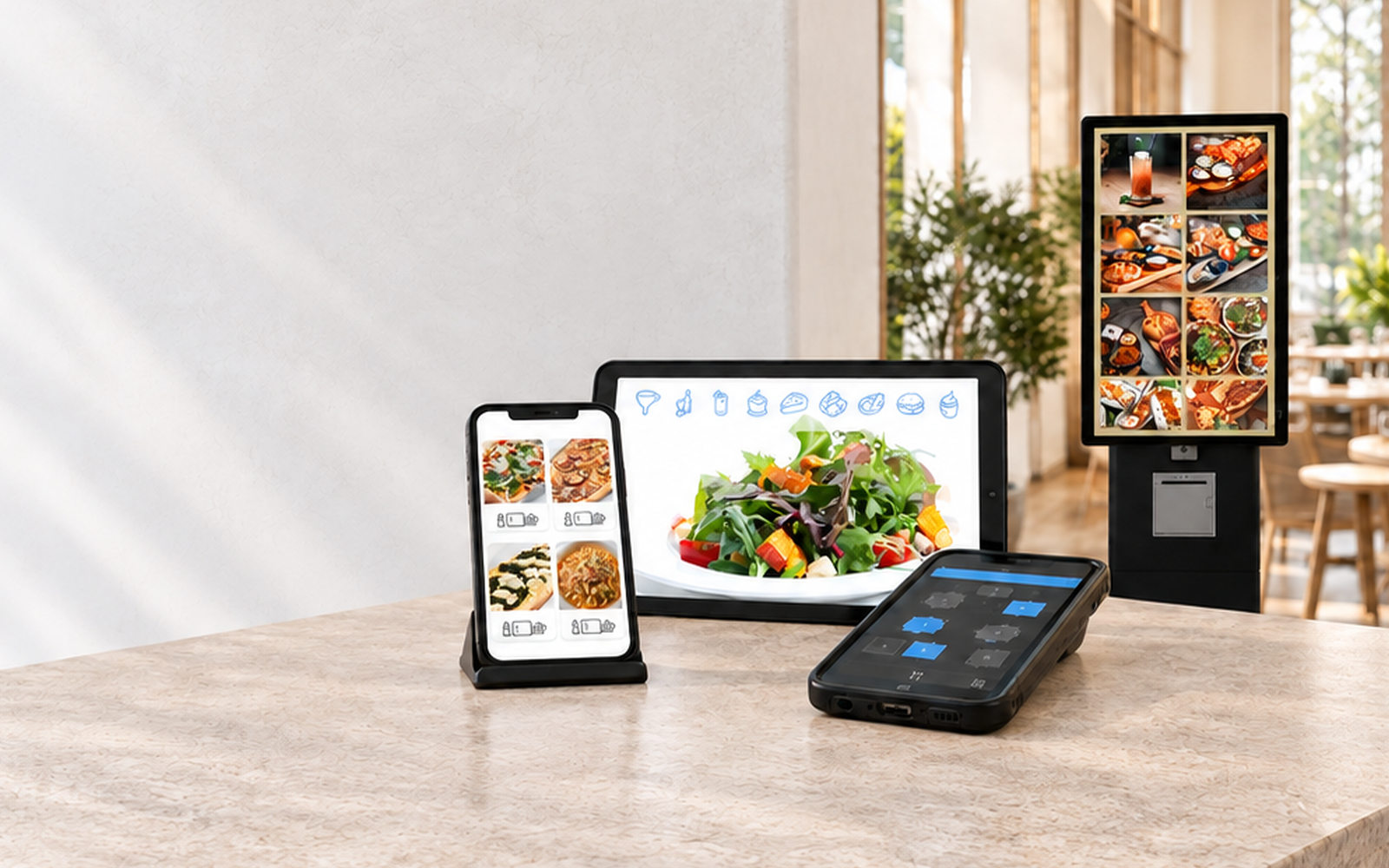
Your guests order for themselves: at the terminal, at the table or from their own phone. The order is in the cash register right away and wherever it is prepared, with no paper slips and no waiting.
Your guests and customers order for themselves: at the terminal, at the table or from their own phone. The order is in the cash register right away and wherever it is prepared, with no paper slips and no waiting.
Your customers order for themselves: at the terminal in store or in the online shop. The order is in the cash register right away and wherever it is prepared, with no paper slips and no waiting.
Software: SW-OT
The OrderTab takes the order at the table and sends it straight to the kitchen and the till. With OktoFIN, guests pay right there and get the receipt on their smartphone.
The order goes from the table straight to the kitchen and the till. Staff stay with the guest instead of walking to the till.
The kitchen has the order before staff leave the table. No paper slip, no second entry at the till.
Photos and allergens for every item are on the device. Staff show guests what they are ordering.
With OktoFIN, guests pay by card or smartphone right at the OrderTab, tip included. Cash always works.
Guests scan their receipt from the display. No mobile printer on the belt, no paper.
While ordering, the device asks for the matching sides straight away.
How staff settle the bill.
Staff take the order at the table and send it to the kitchen and the till. How the bill is settled afterwards depends on how many devices are at the table and where the card is read.
Order, payment and receipt run on a single device. Staff take the order at the table, send it to the kitchen and settle the bill right there.
 More about OktoFIN-ONE
One device, one flow.
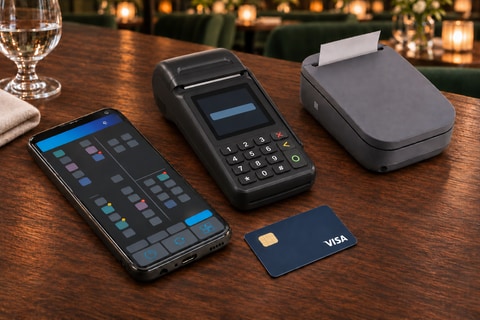
The familiar setup for venues that keep their card payment device with their current provider. The order goes via the OrderTab to the kitchen and the till. The bill is settled on the mobile card device, the receipt comes from the belt printer.

Order terminal, card device and printer: staff carry three devices.
Taking the order with the OrderTab, sending it to kitchen and till, payment on the mobile card device. 43 seconds.
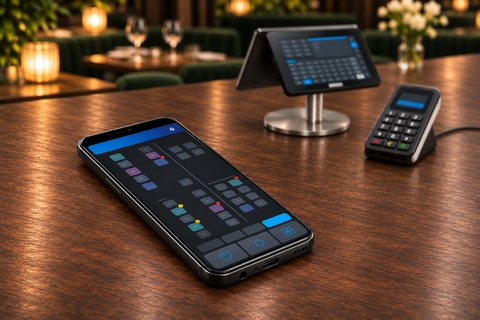
Here the OrderTab only takes the order. The table is also ready at the till right away. The card payment device is fixed at the till, where the bill is settled and the receipt is printed.
The OrderTab stays the device at the table. The payment moves to the till.
| Feature | A · OrderPayTab with OktoFIN (recommended) | B · OrderTab with a separate card device | C · OrderTab without payment on the device |
|---|---|---|---|
| Devices at the table | 1 | 3 | 1 |
| Card payment | on the same device | separate mobile device | on the till's card device |
| Cash payment at the table | yes | yes | yes |
| Tip suggestion | on the display | on the provider's card device | not applicable |
| Receipt | QR code, no mobile printer | mobile printer on the belt | till printer |
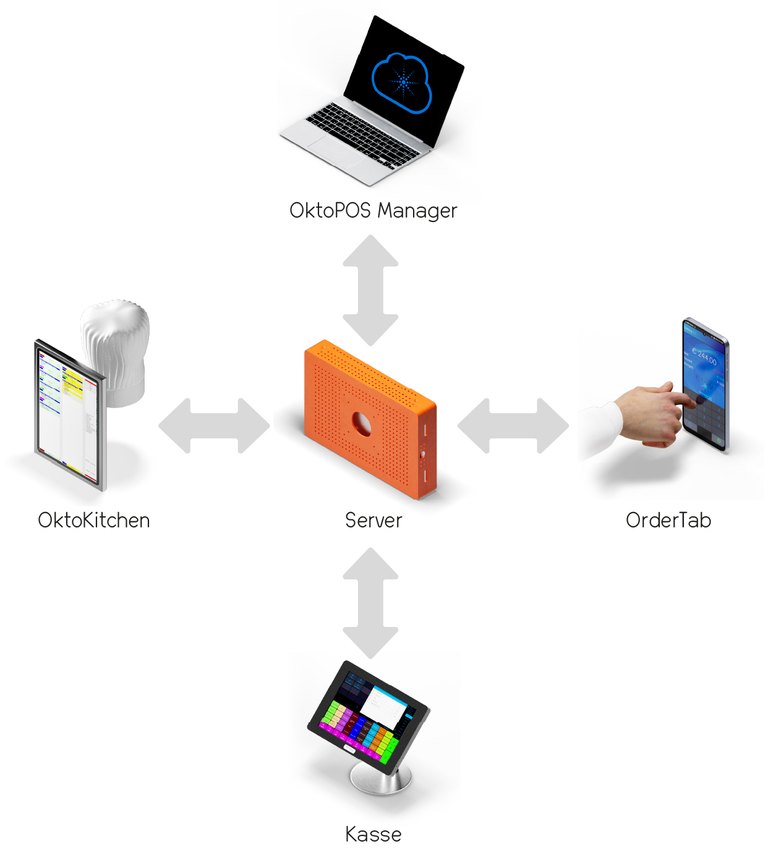
All devices are connected to the server in the venue. The OrderTab sends the order there, and from there it goes to the kitchen and the till. The OktoPOS Manager works on the same data.

Software: SW-ORD
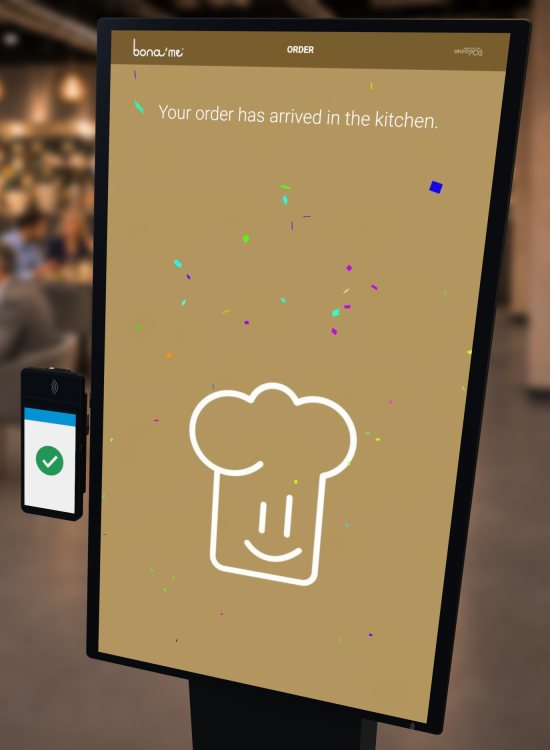
The order terminal is a cash register without a cashier function. With this terminal, your staff take orders and send them to the kitchen or the pick-up point.
The orders can be booked to tables or guest cards, which are paid later at the check-out cash register.
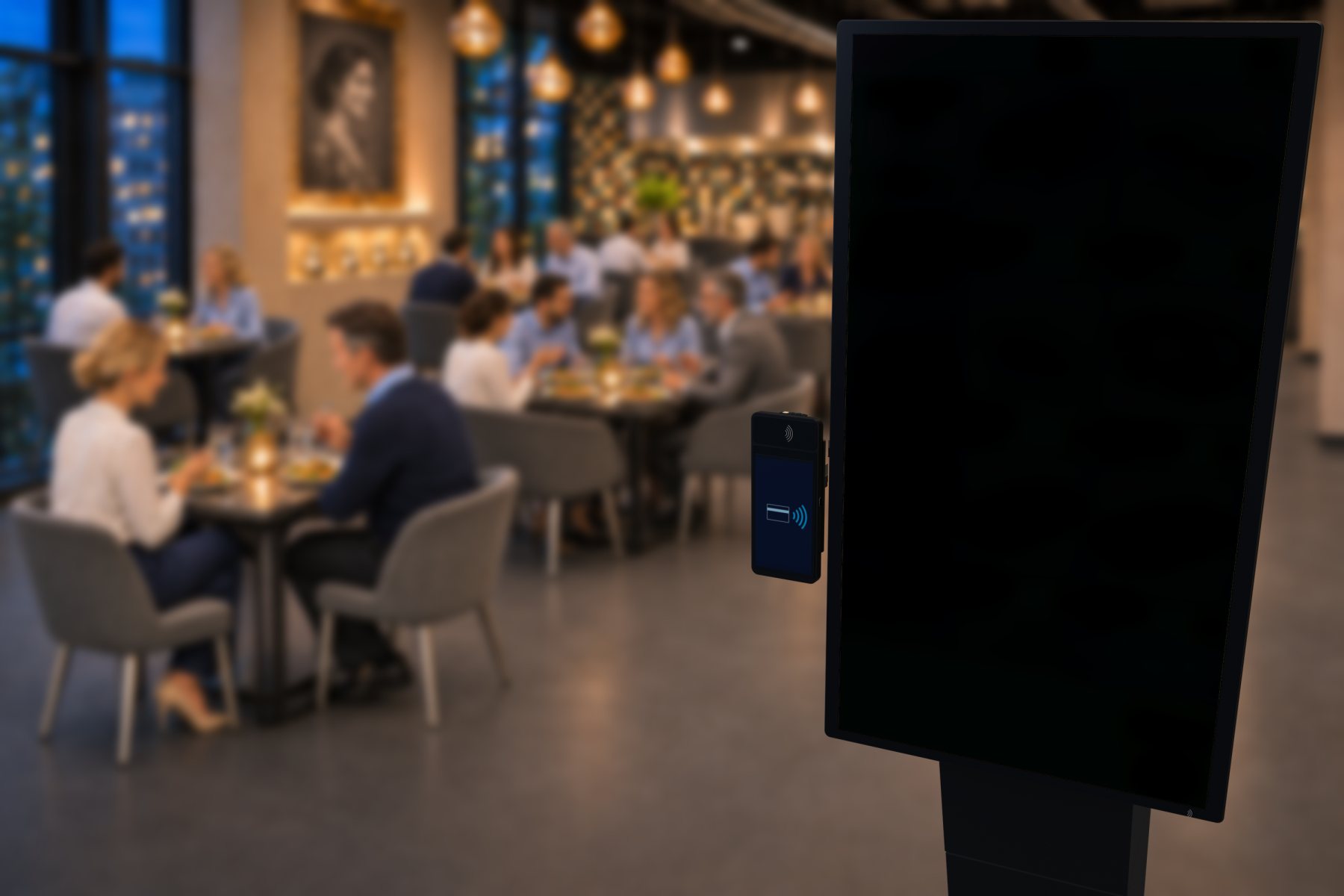
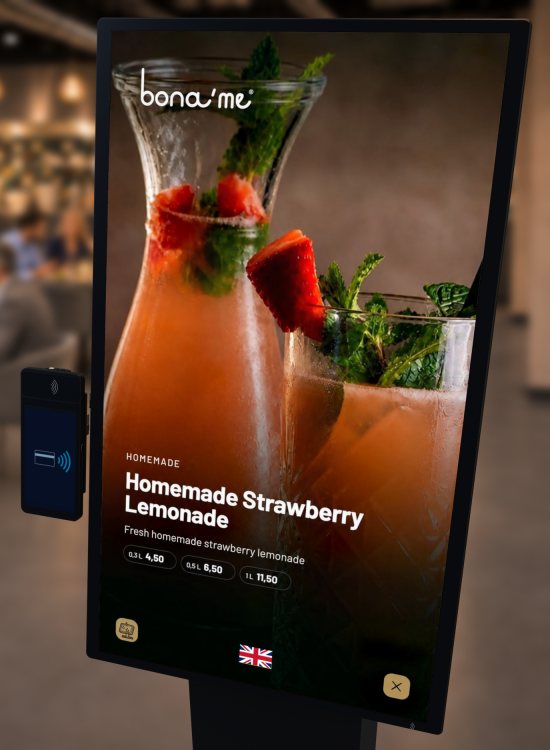
Guests order on the screen themselves.
Guests and customers order on the screen themselves.
Customers order on the screen themselves.
Software: SW-SOT
Guests make their choice on the screen, and the order appears right away where it is prepared, in hospitality on the kitchen stations. Payment is made straight away at the terminal by card or on the way out at the till.Guests and customers make their choice on the screen, and the order appears right away where it is prepared, in hospitality on the kitchen stations. Payment is made straight away at the terminal by card or on the way out at the till.Customers make their choice on the screen, and the order appears right away where it is prepared. Payment is made straight away at the terminal by card or on the way out at the till. At the counter the service staff take the same orders on the order terminal. The examples on this page show the process in a restaurant.
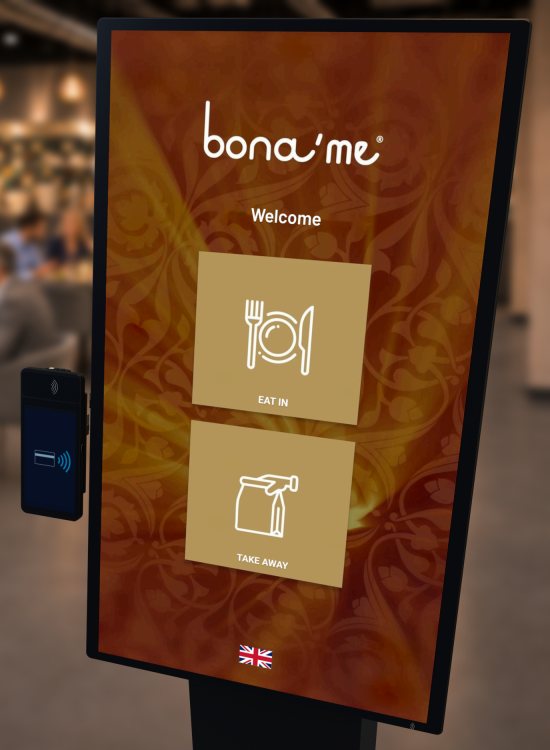
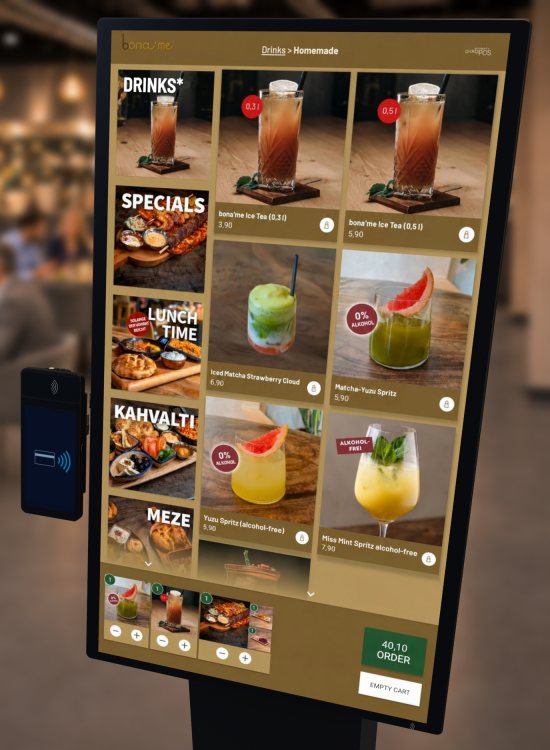
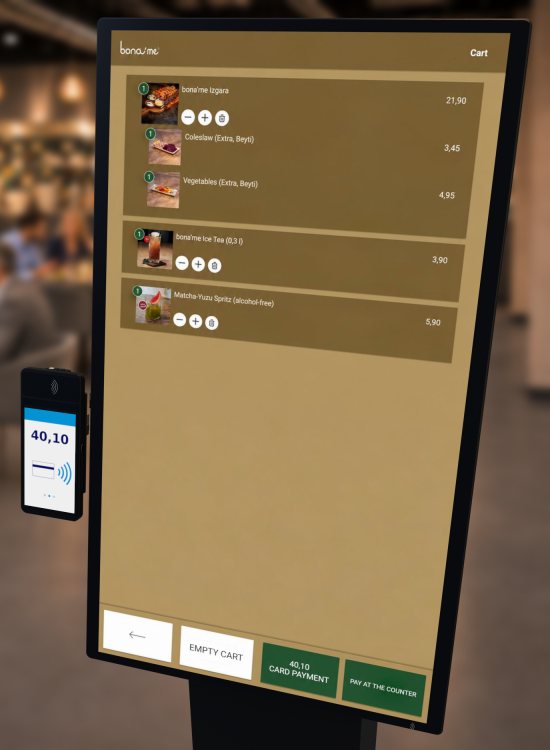
Customers order at the terminal and pay by card right there. They get a receipt with an order number, and the order arrives immediately wherever it is prepared.
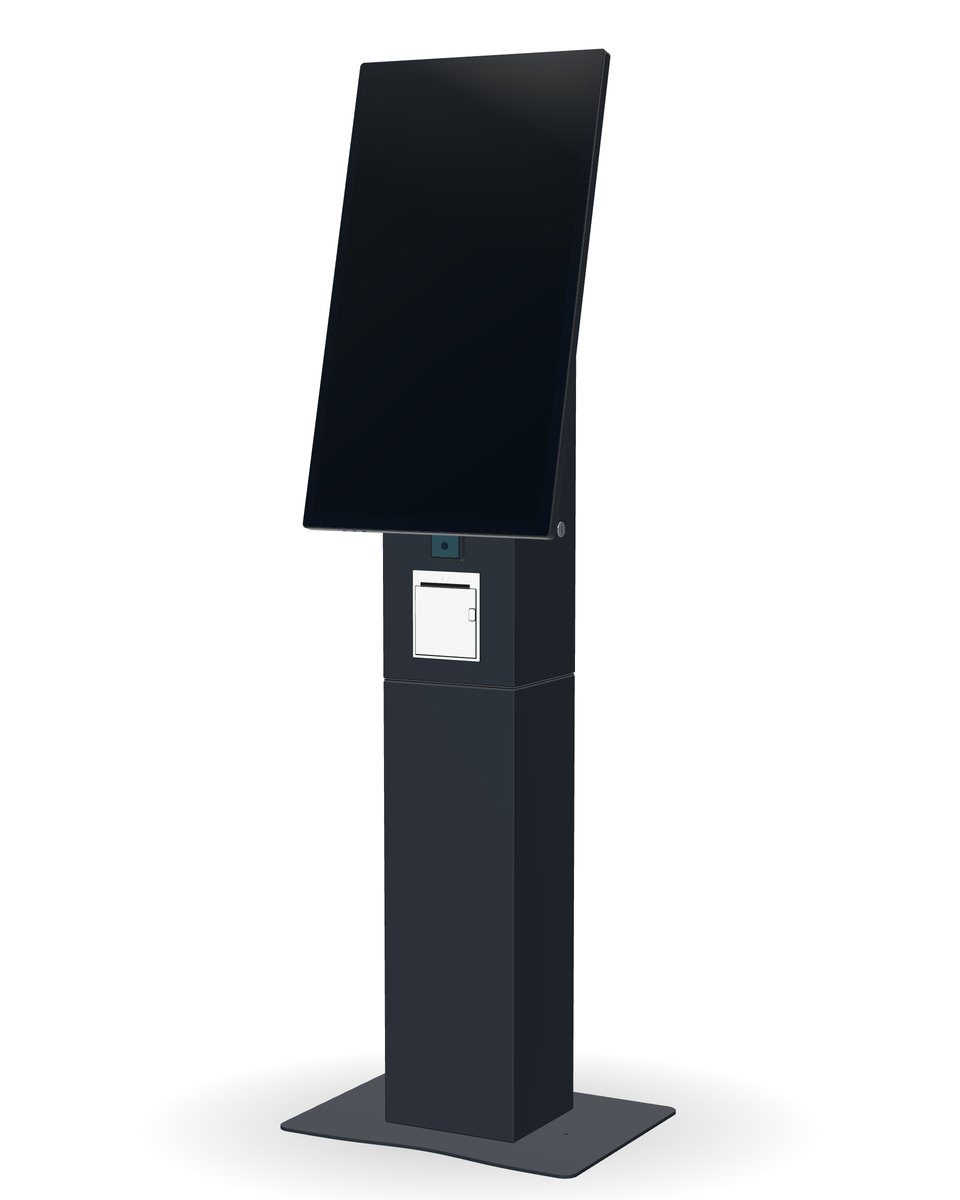
The guest enters their order at the terminal. It is stored on an RFID guest card and goes to the kitchen stations. The pager calls them as soon as they can collect. On the way out the till calls up the order via the card and settles it.
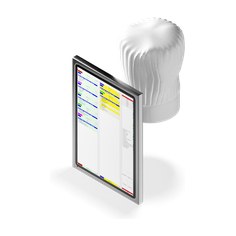
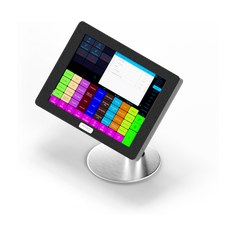

Example layout. The number and position of the devices depend on your space.
At the pick-up point
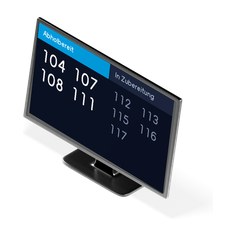
At the table
With table service, payment is made at the till.
Queue Management for Mobile Sales Units.
Food trucks have a customer peak at lunchtime, at catering jobs, and at events.
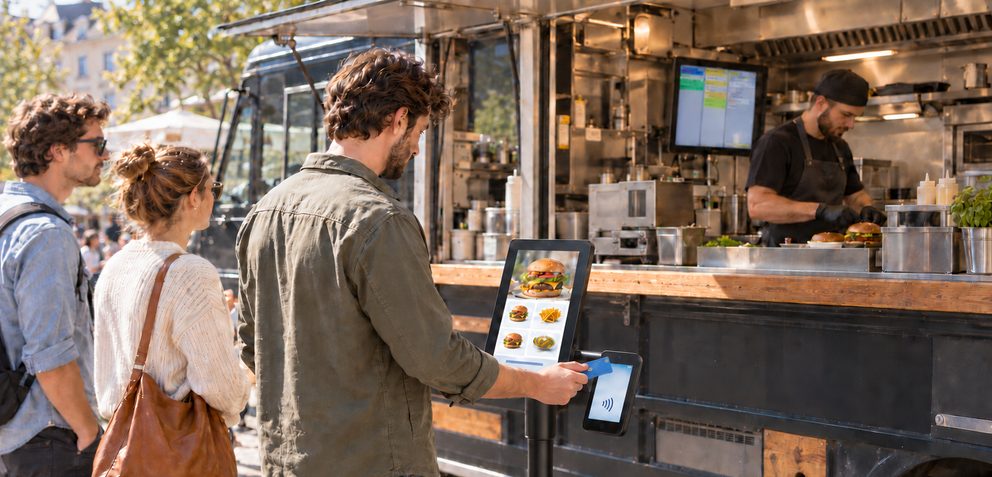
A self-order terminal in front of the truck takes the orders. Guests pay by card right there, and the order appears immediately on the kitchen station inside the truck.
This noticeably eases the rush: no more misunderstandings, happier guests and a clear overview in the kitchen. With the self-order terminal, a food truck can run with up to one person less.
After ordering, the terminal shows the number or name the order runs under. Instead of numbers, these can be animal names, actors or terms from your own business. You define the list yourself. The same number or name appears on the kitchen station and on the pick-up monitor.
The Self Order Terminals come in 15, 21, 27 and 32 inches. Every size can be set up on the counter, on the wall or as a free-standing floor unit. On the wall, a fixed VESA mount holds it in place.
Meal deals and bundles Deals with selection steps at a set price, such as a dish or a sandwich with a drink of choice.
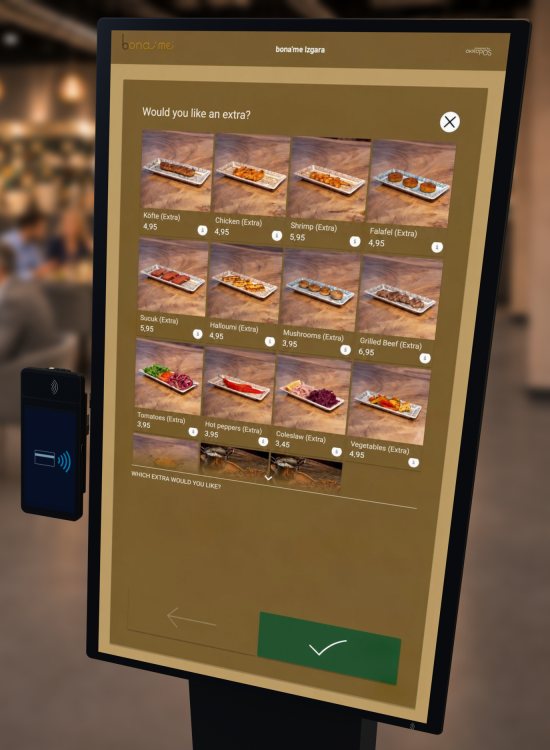
Extras Extras at a surcharge, requests such as “no onions” or “sliced” as options.
Promotions Start image or start video and a dedicated category for your promotions.
Allergen filter Allergens, additives and nutritional values for each article. Guests hide what they cannot tolerate.Allergens, additives and nutritional values for each article. Guests and customers hide what they cannot tolerate.Allergens, additives and nutritional values for each article. Customers hide what they cannot tolerate.
Time control Articles appear only at set times, such as in the morning or at lunchtime, and disappear again afterwards.
Availability Anything sold out is blocked manually by your staff at the station where the orders come in. It can then no longer be ordered at the terminal.
Eat in or take away Separate prices and ranges for both options.
Languages More than 40 languages are available, you choose which of them are offered in your business.
Payment Cashless at the terminal or at the till with all payment methods.
Paid first, then prepared With card payment at the terminal, the order only goes to the kitchen or the counter once payment is complete.
Forwarded directly Orders appear immediately on the till, the kitchen station and the kitchen printer, in the kitchen as well as at the counter.
Order number or name The terminal shows an order number or a name from your own list, such as an animal name. The same appears on the kitchen station.
Electronic Receipt After ordering and payment, the terminal shows the QR code.
Correct for tax purposes Posting, receipt creation and storage of the transactions as at the till.
Guest card RFID card in the branding of your business, also as a customer card.
Start image or start video, logo, background and font colour and the typeface are set to your specifications.


On site, on the go or from home.
The same shop on every device.
Software: SW-SHP
Your guests order in the browser of their own phone. There is nothing to download: scan the QR code, tap the link or enter the address of your shop.
Your guests and customers order in the browser of their own phone. There is nothing to download: scan the QR code, tap the link or enter the address of your shop.
Your customers shop in the browser, on their phone as well as on their computer. There is nothing to download: scan the QR code, tap the link or enter the address of your shop.
The same shop serves the table in the restaurant, collection, the delivery service, the hotel room and retail. Articles, prices and descriptions come from inventory management, orders arrive at the till and the OktoPOS Manager, and in hospitality also at the kitchen station.
Articles, prices and descriptions come from inventory management, and orders arrive at the till and the OktoPOS Manager. You do not need an interface to a third-party shop system.
Your guests order for collection on the phone and pay in the app or on site. The order appears immediately on the kitchen station, at the till and in the OktoPOS Manager.
The articles and their master data come from the OktoPOS Manager and appear on your website, in the menu and at the till. Orders go to the Manager, the till and the kitchen monitor.
A QR code on the table opens the menu on the guest's phone, the table number is already in the code. The guest orders and pays, staff bring the food. No devices on the premises that you have to buy, charge or clean.
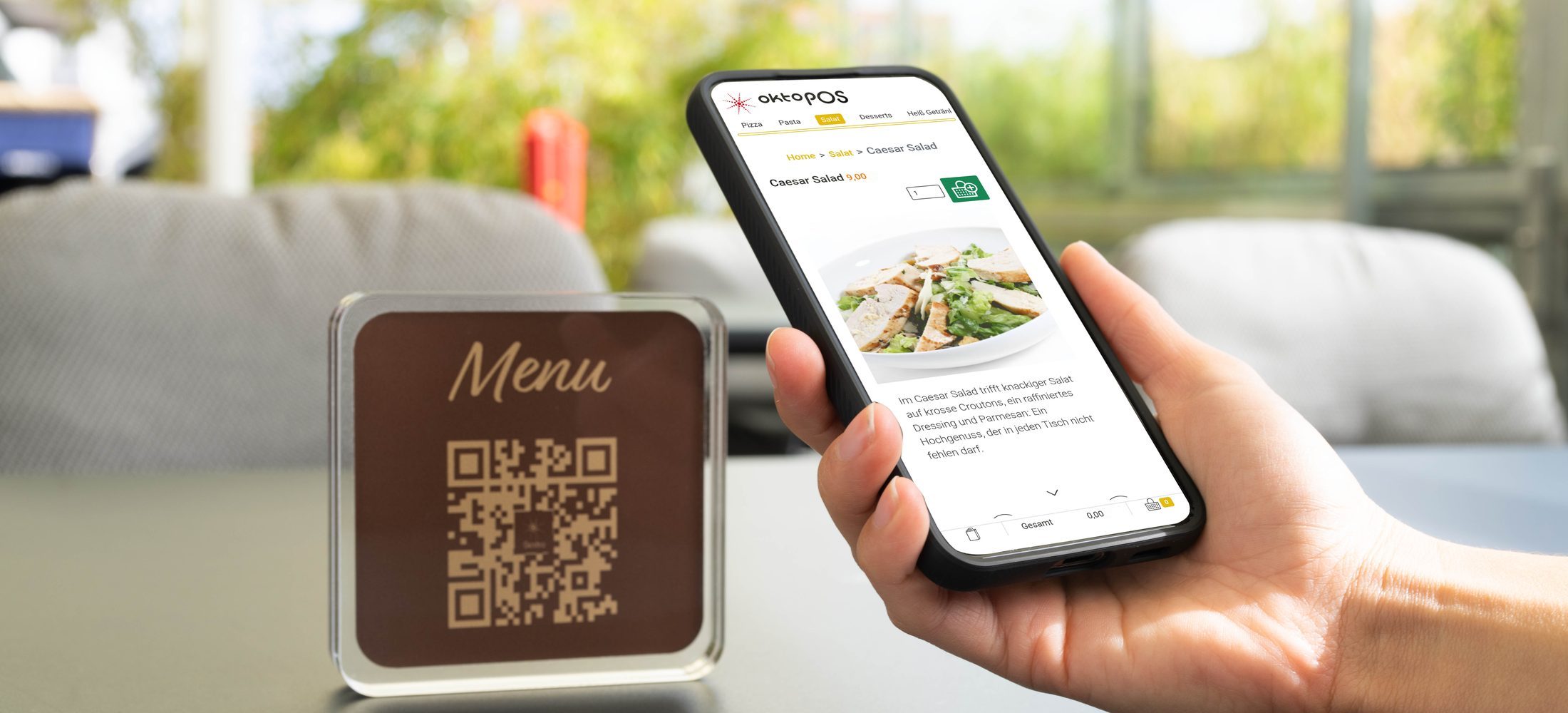
The articles and their master data come from the OktoPOS Manager into the menu and to the till. Orders go to the Manager, the till and the kitchen monitor.
Your guests order food and drinks on their own phone, in the room, in the lobby and at the pool. A QR code on the table or in the room is enough, tablets or fixed devices are not needed. The order arrives with the room number in the kitchen, at the till and in the hotel software.
The QR code is in the room, the room number is in the code. The guest orders from the room, the order goes to the kitchen, the till and the hotel software. No tablets, no installation in the room.
Guests waiting in the lobby do not want to wait for service as well. A QR code on the table opens the menu, the guest orders, the kitchen gets it immediately.
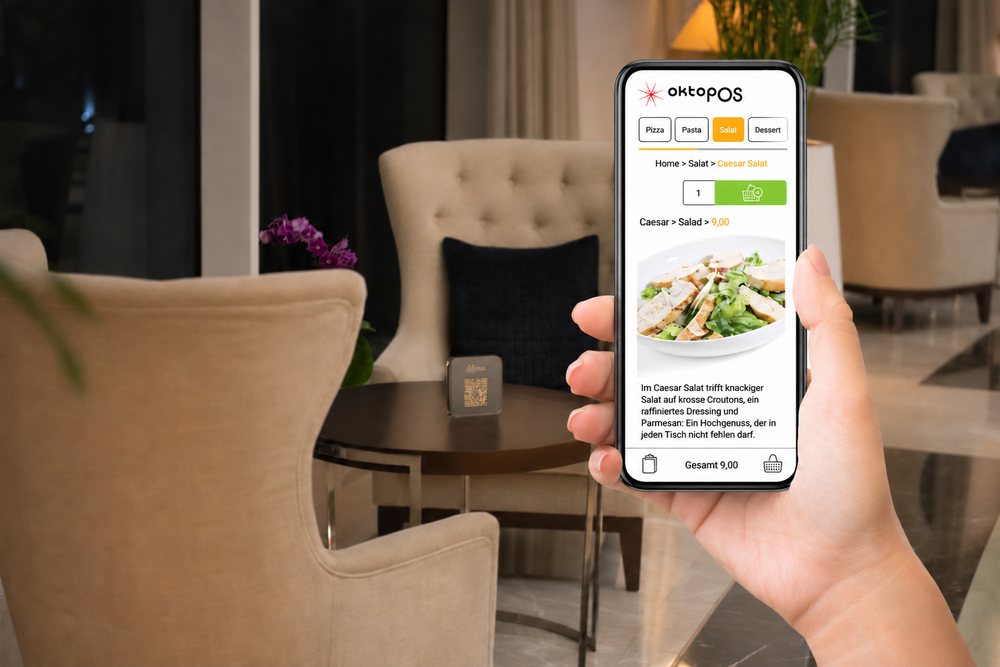
At the pool, on the beach and on the terrace there is often no staff for service at the lounger. With a QR code on the side table the guests order themselves, the order goes to the kitchen and the till, and staff bring it.
The articles and their master data come from the OktoPOS Manager into the menu and to the till. Orders go to the Manager, the till, the hotel software and the kitchen monitor. Postings go from the till to the hotel software.
With the integrated shop system you sell online, for collection or with delivery. The articles come from inventory management, orders arrive at the till and the OktoPOS Manager, and in hospitality also at the kitchen station. You do not need an interface to a third-party shop system.
For pizza, sushi, salads and everything that is freshly prepared and delivered right away. Orders from the shop and by phone come together in one list in the OktoPOS Manager, where you plan the routes.
The web shop uses the same articles as your till. Prices, descriptions, photos and stock come from inventory management, so there is no need to maintain anything twice. You can also show the same articles, always up to date, on your own website.
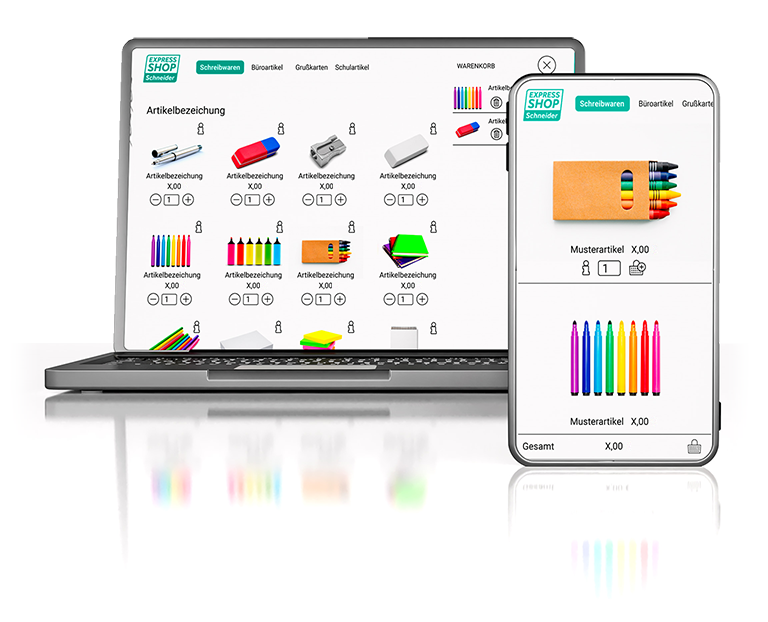
The articles and their master data come from the OktoPOS Manager onto your website and into the delivery shop. Orders go to the Manager, the till and the kitchen monitor.
The articles and their master data come from the OktoPOS Manager onto your own website. There is no need to maintain anything twice.


Try out the shop just as your customers see it.
AI assistant, tips, collection message, geofencing and twenty more.
 AI assistant
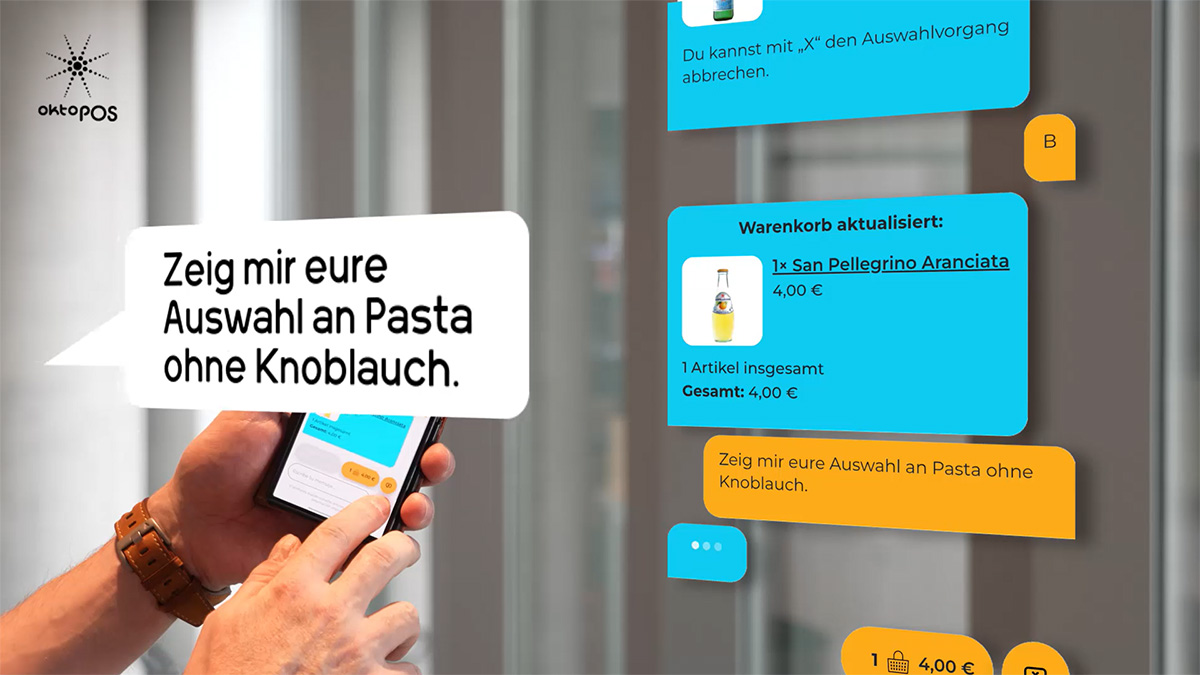
“Show me your pasta without garlic.” The guest asks by text or voice, the assistant puts matching articles into the basket and answers questions about allergens and preferences from the inventory data.
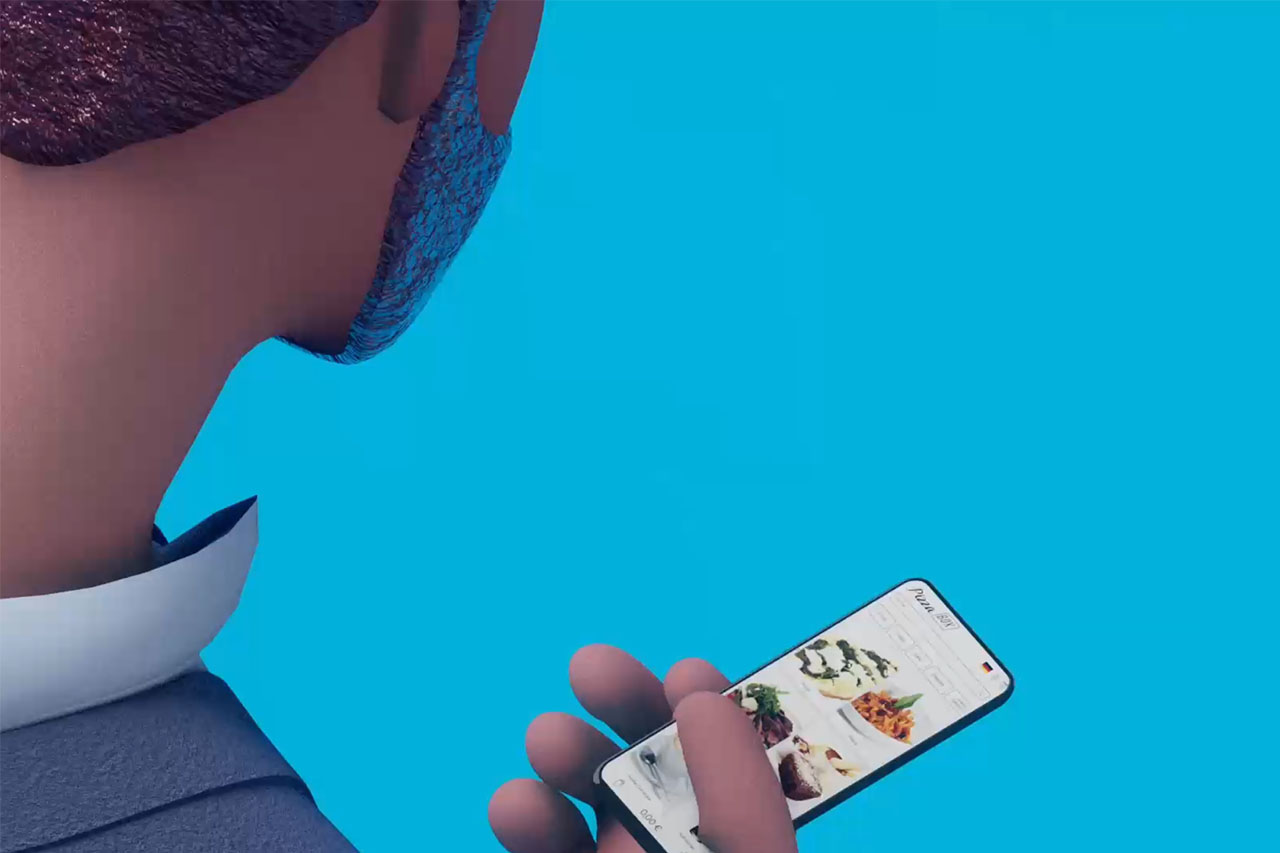
Chef de Cuisine in the shop, 54 seconds.
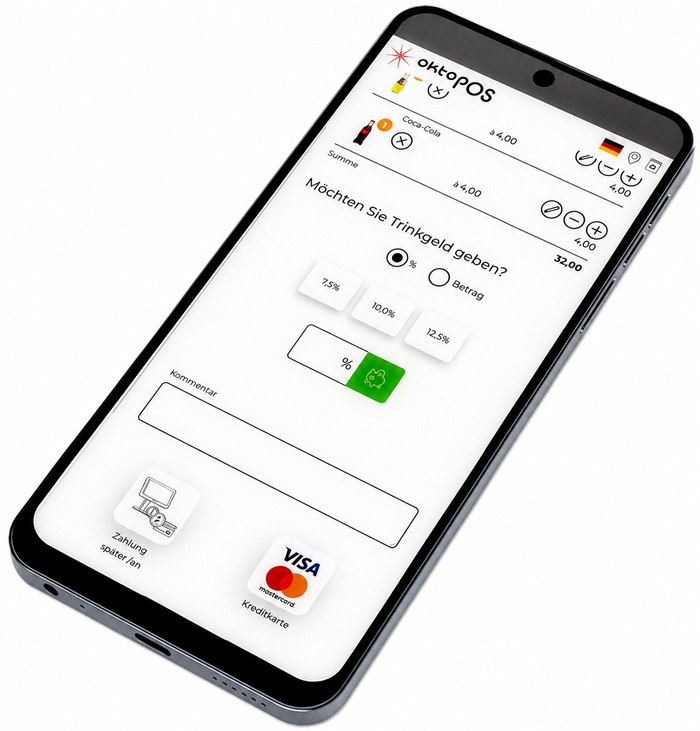
The guest chooses a fixed suggestion or enters a custom tip, as a percentage or as an amount. If the shop runs with an OktoPOS till, the cashier takes the cashless tip out of the till in cash. The cash book records the withdrawal, the amount is shown to the cashier.
Instead of a pager the guest receives a WhatsApp message as soon as the kitchen reports the order ready. They have their phone with them anyway, and nobody has to wait at the counter.
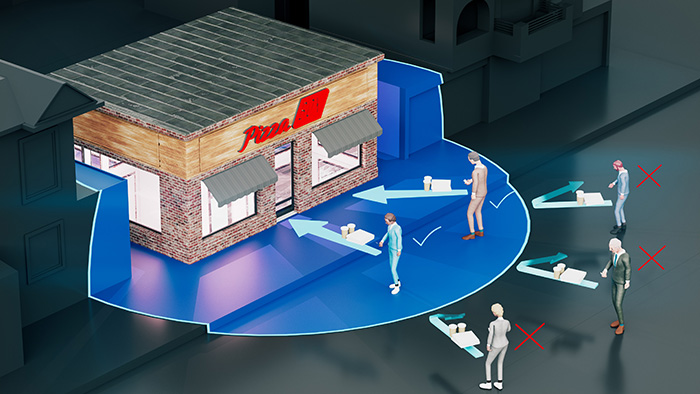
Restrict the use of the ordering app to customers who are near your business. You define the radius yourself. This is useful above all in-house and when payment is only made on collection.
Restrict orders in the online shop to customers who are near your business. You define the radius yourself. This is useful above all when payment is only made on collection.
Geofencing Restrict the use of the ordering app to customers who are near your business.
Time control Articles can appear on the menu on a time-controlled basis, for example for breakfast and the lunch menu.
WhatsApp phone pager Inform customers with the WhatsApp notification.
PCI compliance The online shop is certified according to PCI DSS.
Integrated inventory management
Simple configuration and activation
No app installation required
Customer is added to the customer database
The same articles as at the till The same articles that are sold at the till can be used.
For desktop and smartphones
Article maintenance in the OktoPOS Manager
Fully integrated Into the article management of the OktoPOS Manager, till and kitchen station.
Invoice as a PDF The customer receives their invoice as a PDF.
KassenSichV compliant
RKSV compliant
Also available without an OktoPOS till
Correct for tax purposes Posting, receipt creation and storage of transactions.
Multilingual Choose from the 20 available languages the ones you want to offer in your shop.
Allergen filter
Visible on kitchen station, kitchen printer and till
Payment in the shop or at the till Cashless in the shop, at the till with all payment methods.
Branches and sales channels in one appBranches and sales channels in one shop In-house, takeaway and delivery service.Shipping and collection, per branch.
Tip function
Prices per branch and sales channel
Software: API-DEL
Via an aggregator interface, orders from the twenty most important delivery platforms such as Lieferando, Uber Eats, Foodora and Wolt () are transferred directly to the till and the kitchen station. Orders no longer have to be entered into the till by hand, the paper printout is no longer needed.
Software: SW-EM, SW-SEM
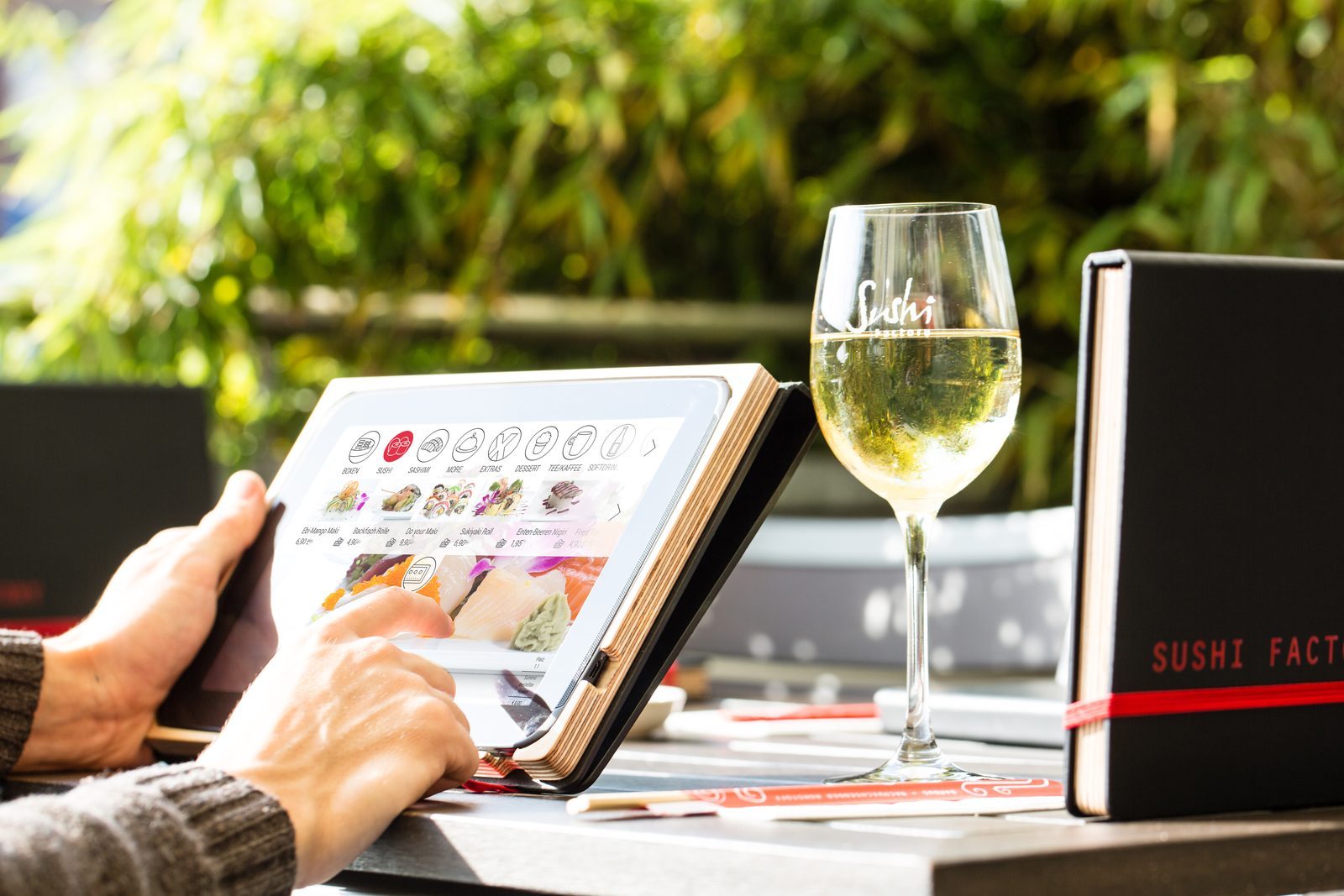
Our e-menus are ideal for restaurants, food trucks, hotels, meeting rooms, and office environments. You get customised layouts tailored precisely to your needs and benefit from extensive features that offer numerous advantages to guests and operators alike.
The easy maintenance of our e-menus ensures that your offers are always up to date. Learn more about the possibilities our electronic menus offer you, and contact us for individual advice.
Benefit from the many advantages for guests and operators.
Electronic menus do not replace service staff, but support them. The time saved can be used to serve and advise guests better. At the same time, you ensure that guests have access to all product information, such as allergens.
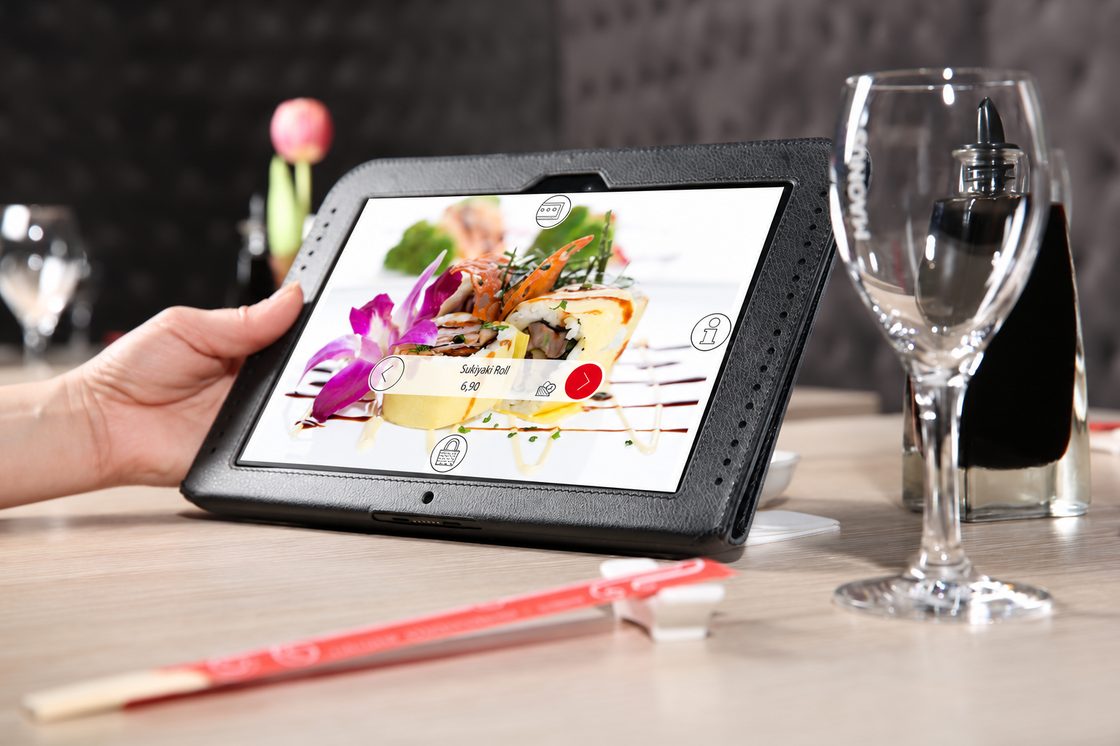

Nutritional values are calculated on the basis of the recipe and can be displayed on the e-menu.
Take advantage of the technology to change and add menu items with little effort. Test new drinks or take slow-sellers off the menu.
Create seasonal promotions and change the menu for lunch, dinner and the weekend.
Sold-out products can be hidden by the kitchen at the push of a button.
With the use of e-menus, orders are entered directly into the system without any need for your staff to do so.
The order terminal for room, lobby and lounge.
The terminal sits in the room, in the lobby, in the lounge and anywhere service staff cannot be present all the time. Guests see the menu with photos and descriptions, make their choice and send the order. It arrives on a printer or a monitor in the kitchen and is stored for the bill.
The terminal lies on the table or hangs on the wall. Guests choose from the menu instead of spelling things out on the phone. The order goes straight to the kitchen and the other departments.
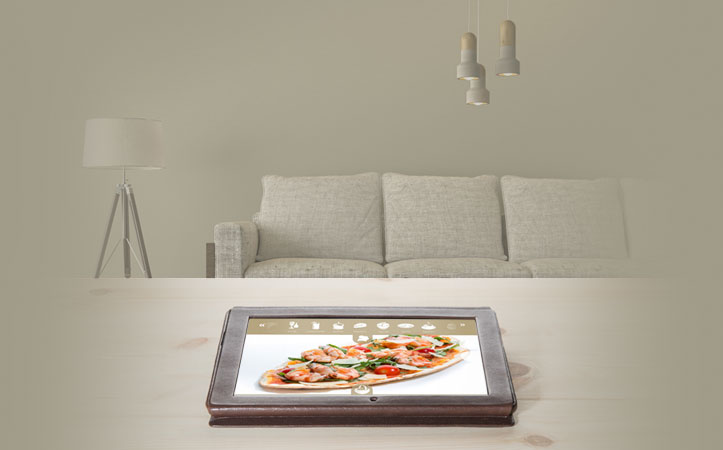
Guests choose a drink or a snack. The order is prepared in the kitchen and delivered to the location of the terminal. The printout names the terminal the order came from.
The terminal runs on the hotel's Wi-Fi. It stands on the table, on a stand or on the wall. On request it is connected to the OktoPOS Cash till.

Particularly in areas ...
Increased sales, lower personnel expenses and advantages for the guests make the food order system a worthwhile investment.
The terminal is placed within your Wi-Fi network. For example in
For placement there is a table stand, a half-height and a full-height floor stand, and wall mounting as a surface-mounted or flush-mounted solution.
Order Terminals for Offices and Business Centres.
Simplify workplace catering with our digital e-menus. Employees and guests can easily order food and drinks via tablet or smartphone, right from their desk or during meetings. Ideal for modern companies looking to combine service, efficiency, and convenience in one smart solution.
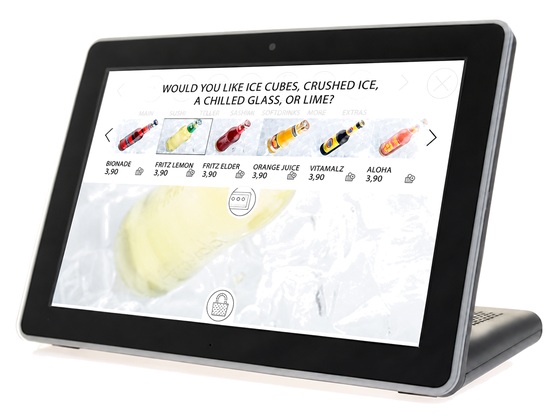
Simplified processes thanks to orders via terminals. Orders appear in the assigned departments/sections.
Order Terminals for Meeting and Conference Rooms.
Place order terminals in your meeting and conference rooms.
The order terminals can be placed on the table or be mounted on the wall and are connected via Wi-Fi.
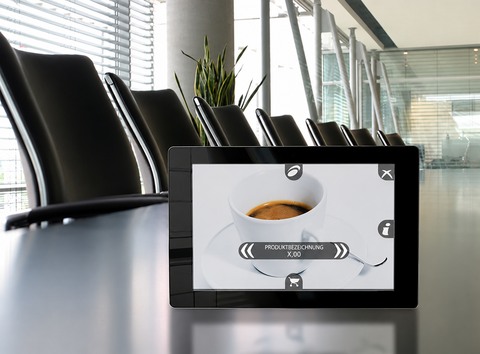
E-Menus and Order Terminals with Advanced Features.
The E-Menu offers a modern, digital alternative to traditional menus, no paper needed. Guests can easily view and order food and drinks via smartphone or tablet. This saves time, reduces errors, and boosts customer satisfaction. Perfect for restaurant businesses with multiple locations: content can be managed centrally and customised individually.
OktoPOS is a pioneer of electronic menus. The OktoPOS E-Menus are characterized by a complete integration into the overall system from the kitchen control to the cash register.
Articles that are no longer available can be deactivated on the e-menus via the kitchen terminals. In addition, different menus can be activated at the touch of a button depending on the day of the week and time of day (breakfast, lunch, dinner).
Different menu cards can be defined for areas, e.g. restaurant, bar, take away, etc. Each branch can use a different set of products on the menu card.
Depending on the configuration, e-menus can be combined with contactless customer cards (RFID).

The menu cards are managed in the web-based OktoPOS Manager. Updates are deployed to the order terminals with the press of a button.
Choose between a simple network printer, a kitchen monitor or both. The network printer prints the orders and the location where the order came from.
The kitchen monitor shows the orders with details and timing. A recipe can even be stored if needed. The monitor gives the kitchen a better overview at busy times. The kitchen monitors can also activate and deactivate items on the menu cards instantly. Profiles can also be created, e.g. for mornings, evenings, nights, weekends, etc.
Orders can be routed to different kitchens/bars and stations, depending on the item and time of operation.
Data is maintained in the cloud.
Data is transferred to the branch.
E-Menus get their data from the branch server, independently of the cloud.
Orders are shown on the kitchen station.
Orders go to the cash register.
Transactions are stored in the cloud.
Reports from the cloud.
Data export for accounting.
E-Menu Advantages for Customers and Operators.
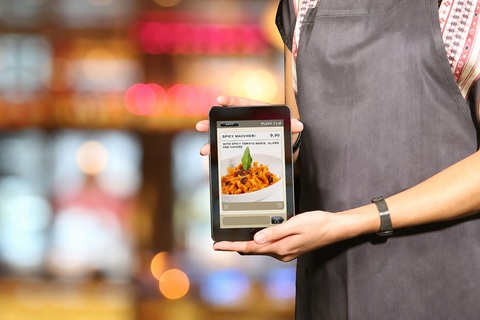
Nutritional values
Better information
Allergen information and filter
Article description
Article photos
Relaxed Way of Ordering Without Pressure

Service Call

Orders Go Directly to the Kitchen

Simple Re-Ordering (e.g. Drinks)

Combo Menu Compilation

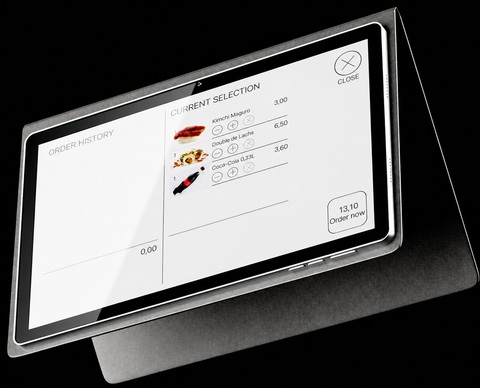
Cost Overview Order History
Multilingual

The acceptance of electronic menus has increased continuously in recent years. 92% of restaurant guests rate the OktoPOS e-menus as “very good”.
Update the menu at the touch of a button
Easily add and delist articles
Seasonal offers
Elimination of printing costs
Labour savings through direct booking in the kitchen and checkout by the guest
Increased security and control through secure recording of orders
Compliance with legal regulations by declaring allergens
Cross-selling (wine recommendations, etc.)
More repeat orders (drinks, dessert, etc.)
Hide articles that are temporarily unavailable
Change menu profiles at the touch of a button (evening menu, weekend menu, etc.)
Integration of information and advertising
Branch differentiation
From Restaurants to Hotel Rooms.
The food order terminal can be placed anywhere within your Wi-Fi network.
For example:
Ask about the different styles of the pedestal that fit your needs. Depending on the location, we offer different set-up options.
Choose between:
The mobile version is the most flexible alternative and helps to keep investment low, when the menus are brought to the guests' tables.
The loss of devices is generally lower than expected, but it depends significantly on the situation. In a well-organised restaurant, the loss is typically close to zero.
The cover protects your device from damage.
We recommend a cover made of high quality genuine leather. Covers of synthetic leather and other materials wear out after only a few months.
A fixed table stand is recommended in situations where the e-menu has a fixed position and should not be moved. Orders are placed at the location of the e-menu.
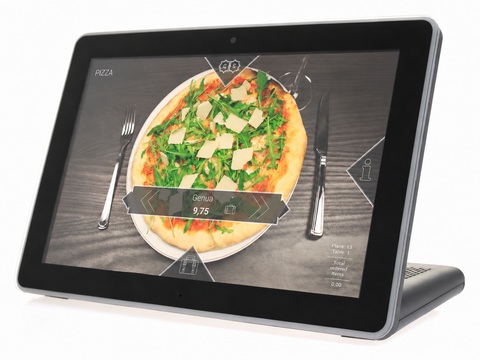
The mobile table stand is recommended for environments where the e-menu has a fixed position but should still be flexible for guests' needs. For example, as a takeaway order terminal.
A high floor stand is recommended when guests order while they are standing, e.g. at a takeaway order terminal or in a waiting queue.
A wall mount is ideal for meeting rooms and hotel rooms. This guarantees that the e-menu stays in its place.
A wall mount is available as a surface-mounted or flush-mounted solution.
A low floor stand is ideal for lounge areas and lobbies.
Proven Technology.
The menu cards are equipped with a rechargeable battery and are connected to the local Wi-Fi.
Orders are transferred via a mini-server to the kitchen. The kitchen monitors and printers are connected to the local network (LAN).

Use our standard layout or have a custom layout created.

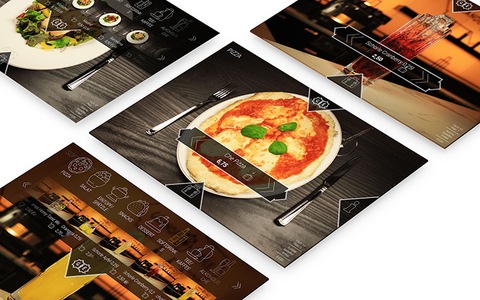
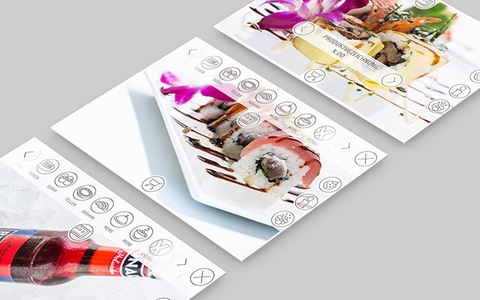
We recommend using our standard layout for the e-menus. The buttons and icons are customised. By using your own article photos, the e-menu takes on an identity that matches your company.
Take advantage of regular updates by using our standard layout.
If you prefer your own layout, our designers will be happy to create an interface to your specifications. It is based on the advanced, optimised OktoPOS standard e-menu software.
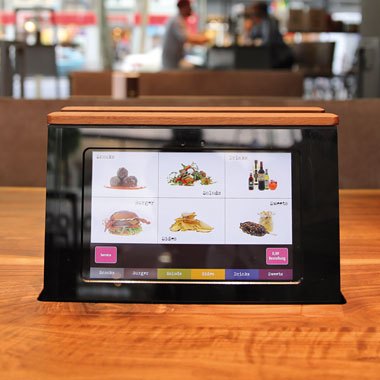

High-quality product photos that boost sales are essential for electronic menus. The photos must be uploaded in the OktoPOS Manager in the specified dimensions for each article. Our electronic menus generally have a resolution in the range of 2K. Depending on the device, the resolution may be lower.
Software: SW-RFID
For storing guest orders on chip cards for later payment.
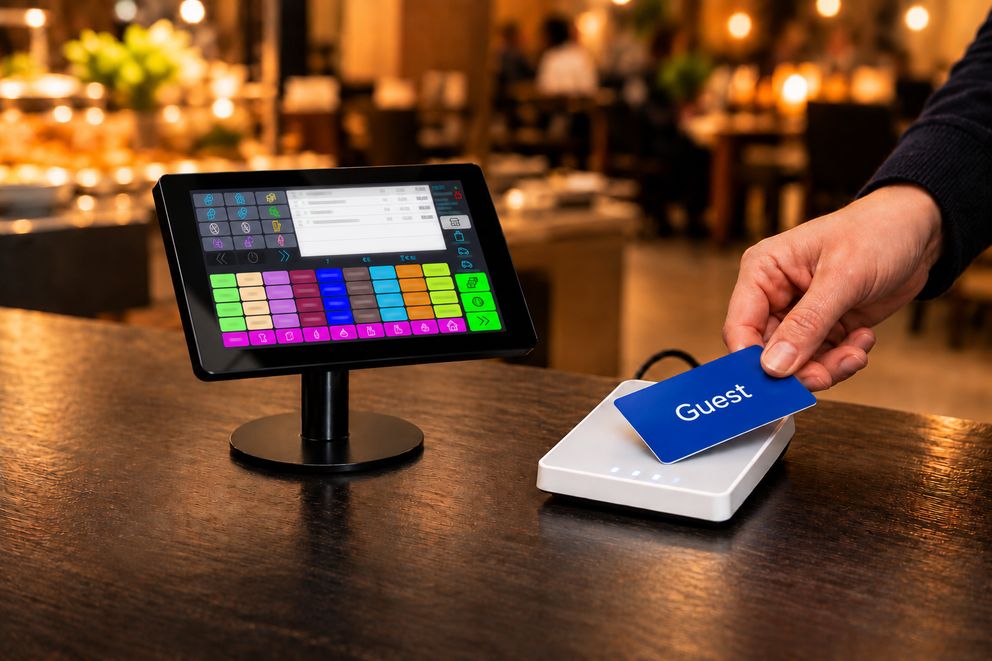
The RFID Control Center manages orders on guest cards. Guests receive a card at the entrance. Orders are stored on this card.
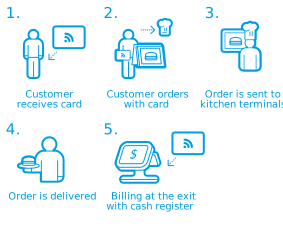
This can be done with the following OktoPOS modules:
Open cards can be listed at the cash register. The articles on different cards can be merged or split. Payment at the cash register is easy by just placing the cards on a reader.
Also included