OrderTab
Less walking, faster service, better advice
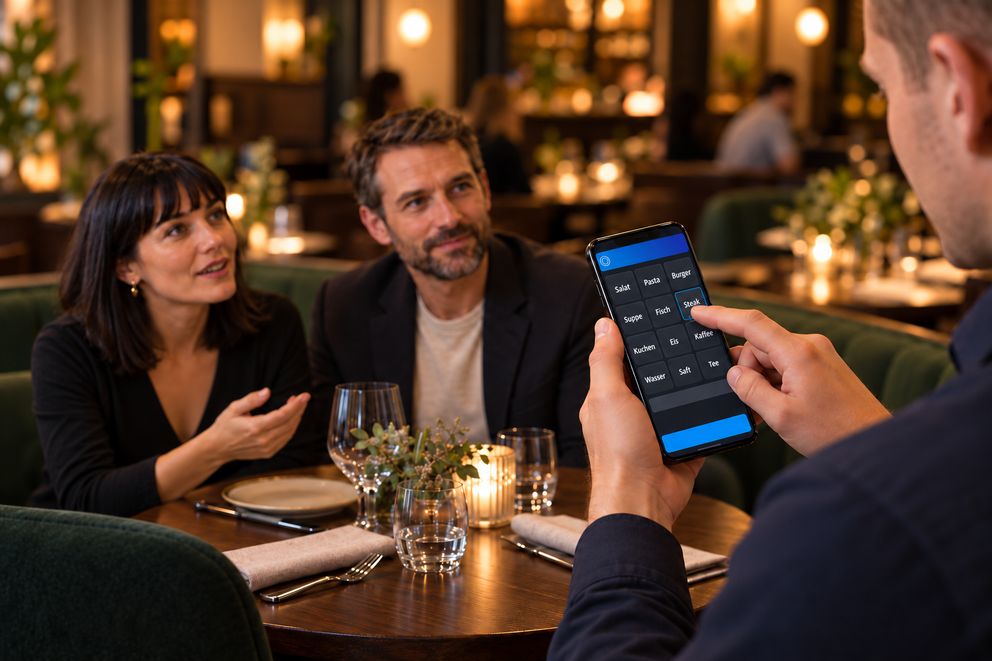
The OrderTab takes the order at the table and sends it straight to the kitchen and the till.
Software: SW-OT
The OrderTab takes the order at the table and sends it straight to the kitchen and the till.
The order goes from the table straight to the kitchen and the till. Staff stay with the guest instead of walking to the till.
The kitchen has the order before staff leave the table. No paper slip, no second entry at the till.
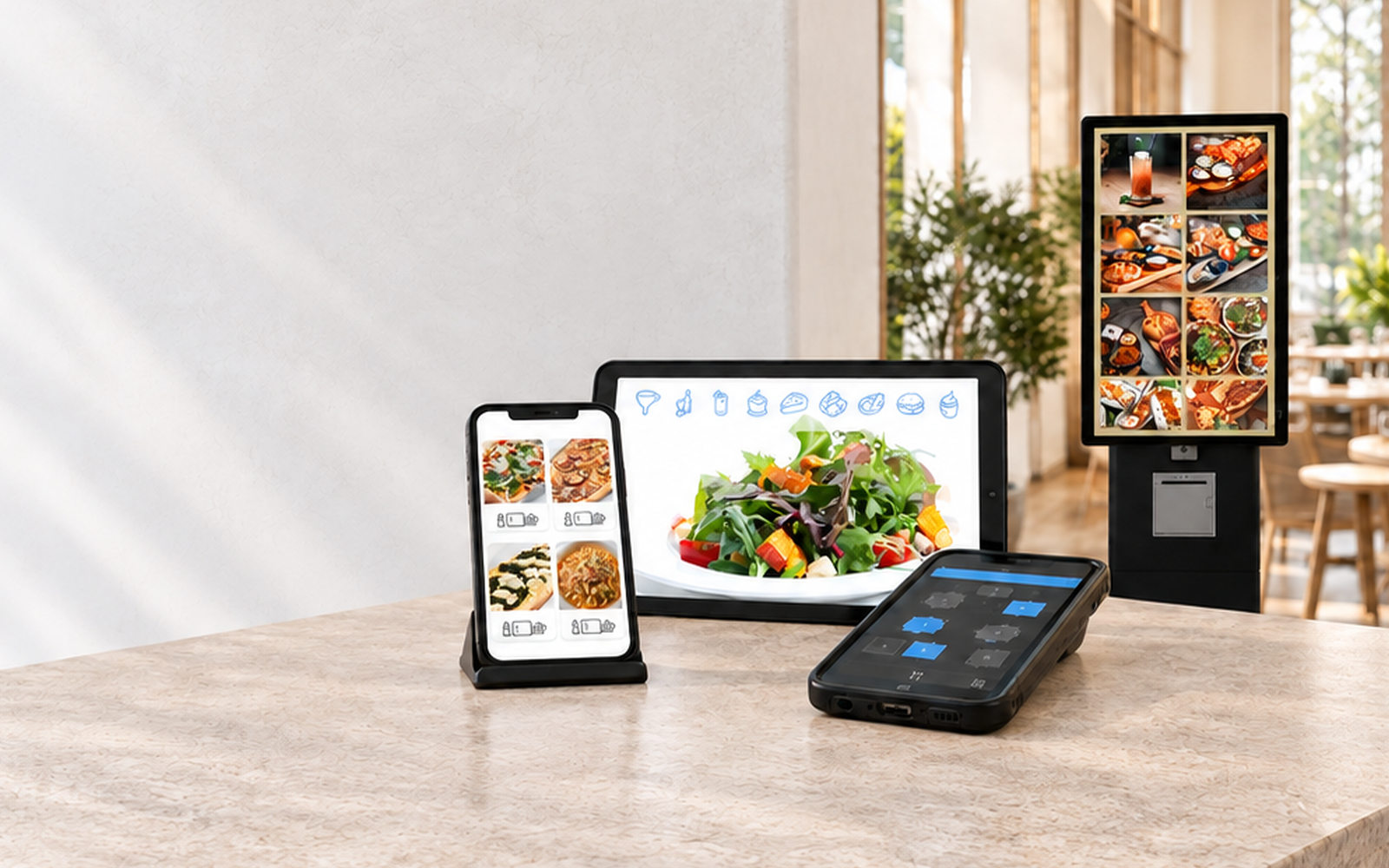
Photos and allergens for every item are on the device. Staff show guests what they are ordering.
Staff take cash right at the device. Cards are read by the mobile payment terminal from your own provider.
While ordering, the device asks for the matching sides straight away.
How staff settle the bill.
Staff take the order at the table and send it to the kitchen and the till. How the bill is settled afterwards depends on how many devices are at the table and where the card is read.
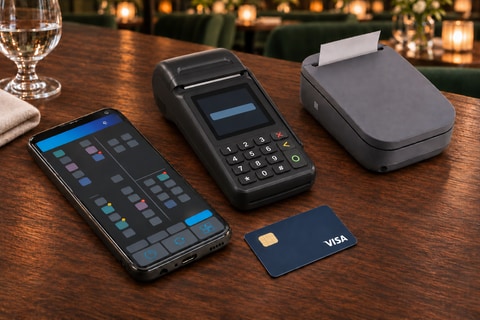
The familiar setup for venues that keep their card payment device with their current provider. The order goes via the OrderTab to the kitchen and the till. The bill is settled on the mobile card device, the receipt comes from the belt printer.

Order terminal, card device and printer: staff carry three devices.
Taking the order with the OrderTab, sending it to kitchen and till, payment on the mobile card device. 43 seconds.
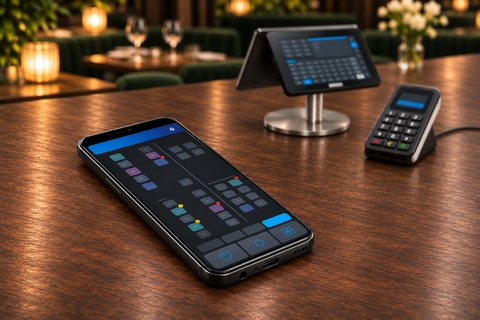
Here the OrderTab only takes the order. The table is also ready at the till right away. The card payment device is fixed at the till, where the bill is settled and the receipt is printed.
The OrderTab stays the device at the table. The payment moves to the till.
| Feature | A · OrderTab with a separate card device | B · OrderTab without payment on the device |
|---|---|---|
| Devices at the table | 3 | 1 |
| Card payment | separate mobile device | on the till's card device |
| Cash payment at the table | yes | yes |
| Tip suggestion | on the provider's card device | not applicable |
| Receipt | mobile printer on the belt | till printer |
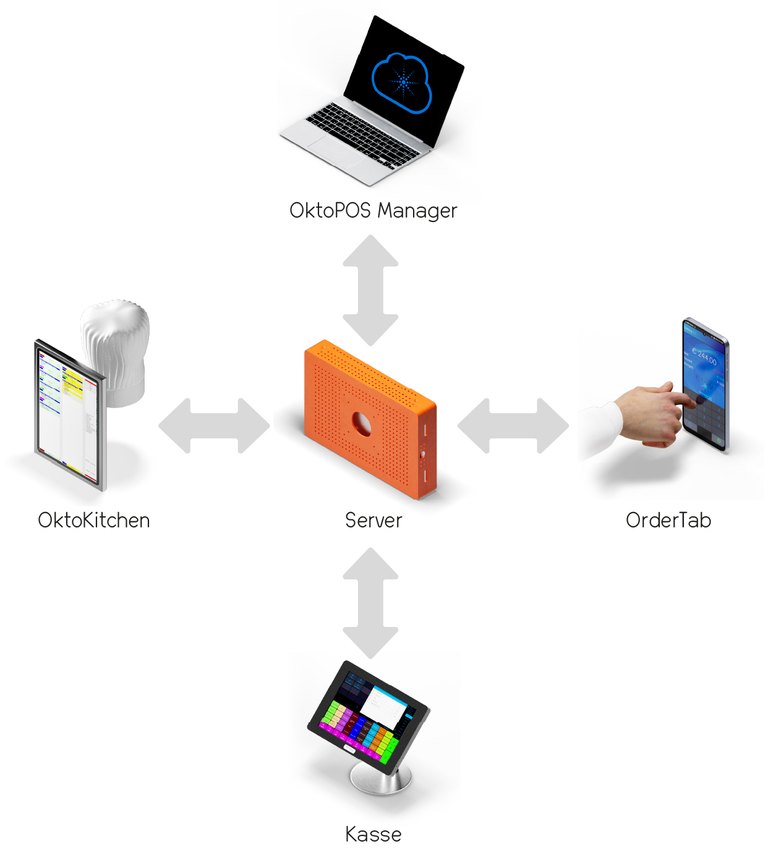
All devices are connected to the server in the venue. The OrderTab sends the order there, and from there it goes to the kitchen and the till. The OktoPOS Manager works on the same data.